You’re nearly there. This last step makes sure your launch goes smoothly and your site keeps working for you.
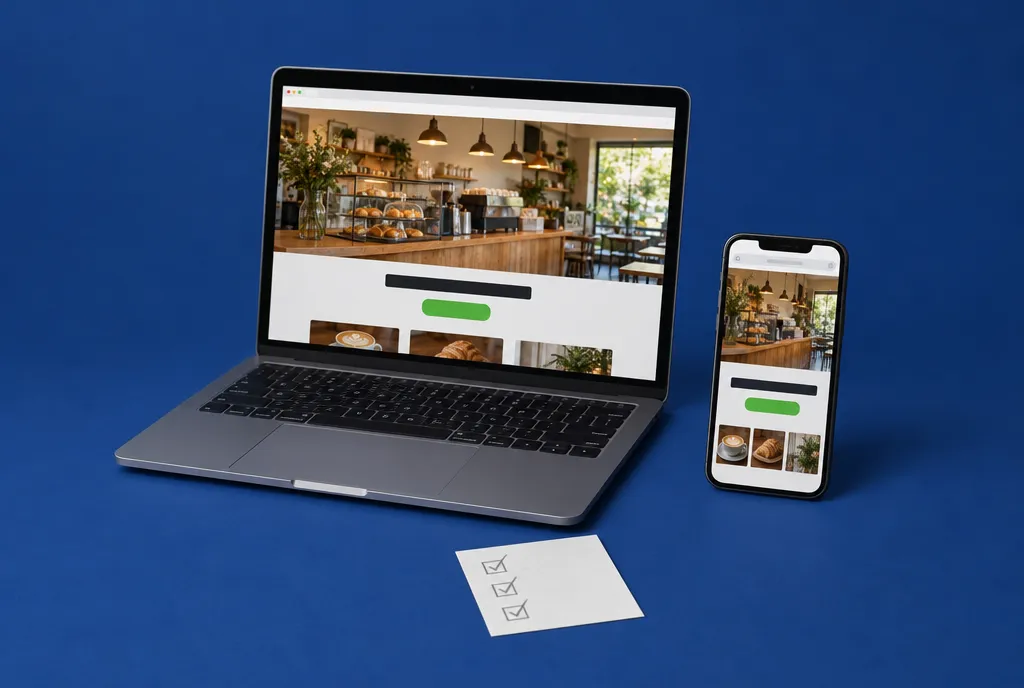
Your launch checklist
Before you tell the world, go through this list:
- Every page has real words and photos, no sample text left
- Your phone number, email and address are correct everywhere
- The contact form works. Send yourself a test
- Every button and link goes where it should
- It looks good on a phone, a tablet and a computer
- Spelling checked. Read it out loud, or ask a friend
- Your domain is connected and shows the padlock
- Every page has a title and description
- You have a privacy policy if you collect details
Launch it
In most builders, this means switching your site from private to public, or “publishing”. Then share it:
- Add the link to your Google Business Profile, social accounts and email signature
- Tell your customers
- Put it on your business cards and signs
Track your visitors
Most builders have simple visitor stats built in. You can also add Google Analytics for more detail. Check once a month:
- How many people visit
- Which pages they look at
- How many contact you
Look after it
A little care after launch keeps it working:
- Update your hours, prices and services as they change.
- Add new photos, reviews or short helpful articles now and then.
- Use a strong password and turn on two-factor login.
- Keep auto-renew on for your plan and your domain.
- Make sure it’s backed up. Builders usually do this for you. If you use WordPress, set up automatic backups.
- Read it through once a year to check it still says the right things.
Keep improving it
If you’ve followed every step, you’ve planned, written, built and launched your own website. Small improvements from here, a new photo or a clearer page, keep it working for you.
When you’re ready for more
As your business grows, you might want a site designed around your business and looked after for you. When that time comes, we can help.
Get the rest of the course, free
Enter your name and email and we'll send you the whole course.