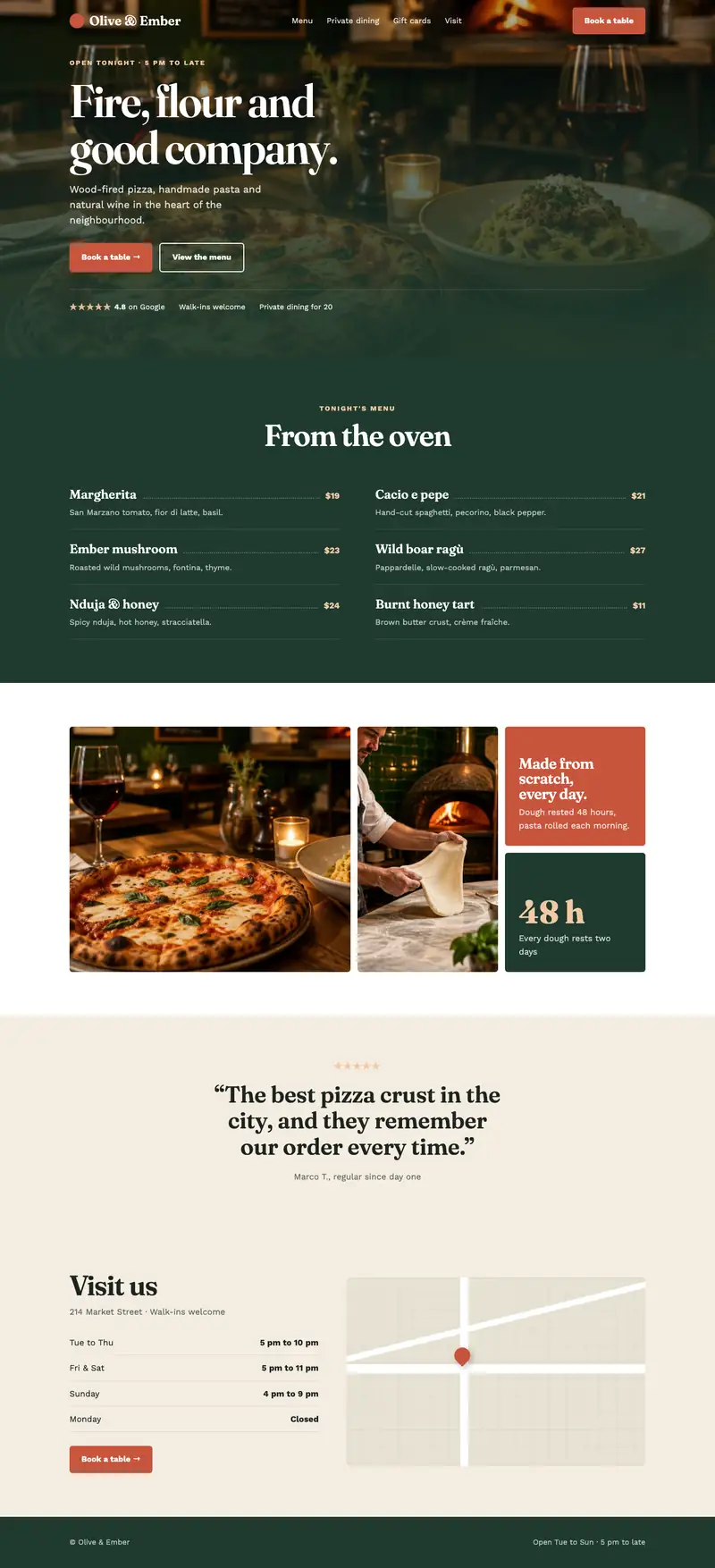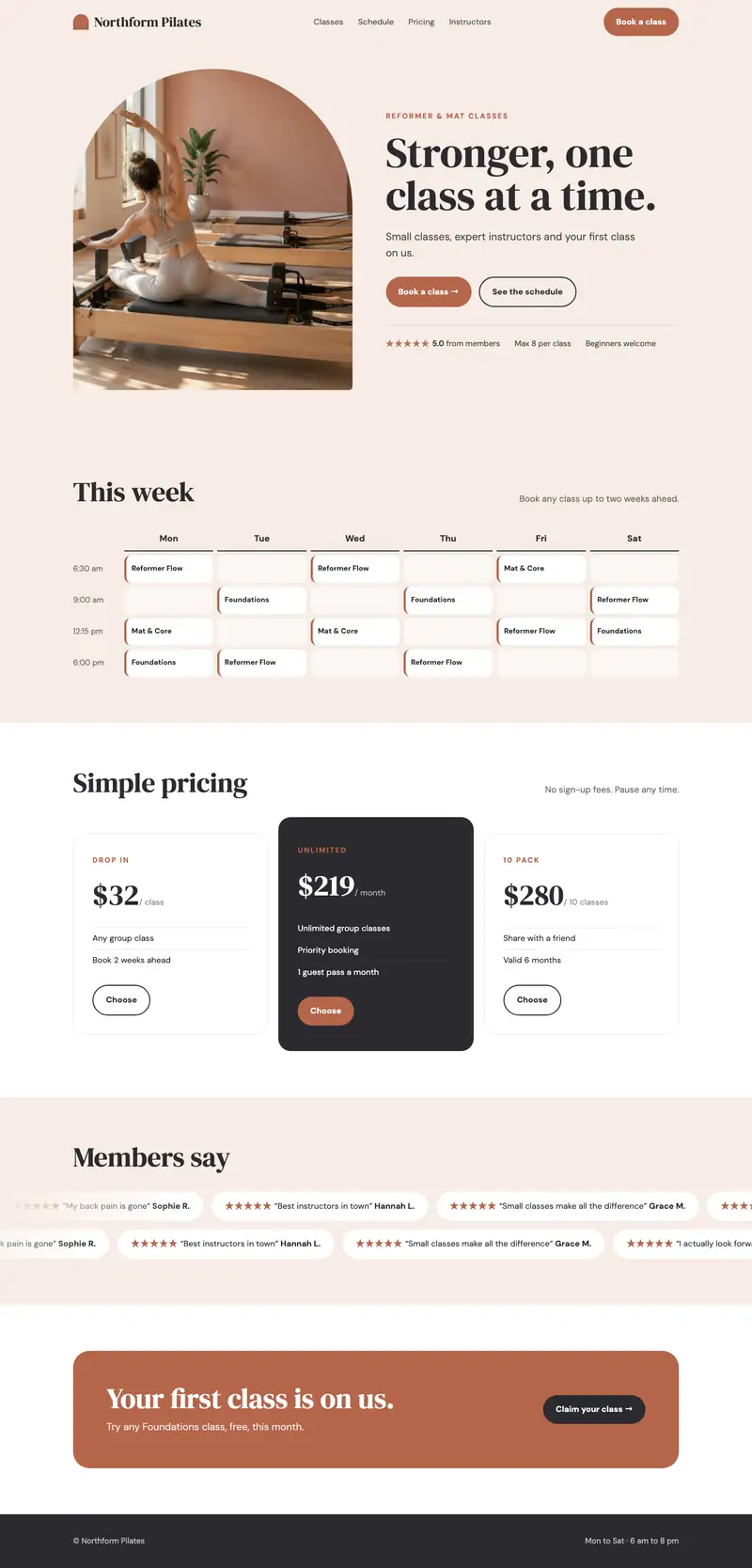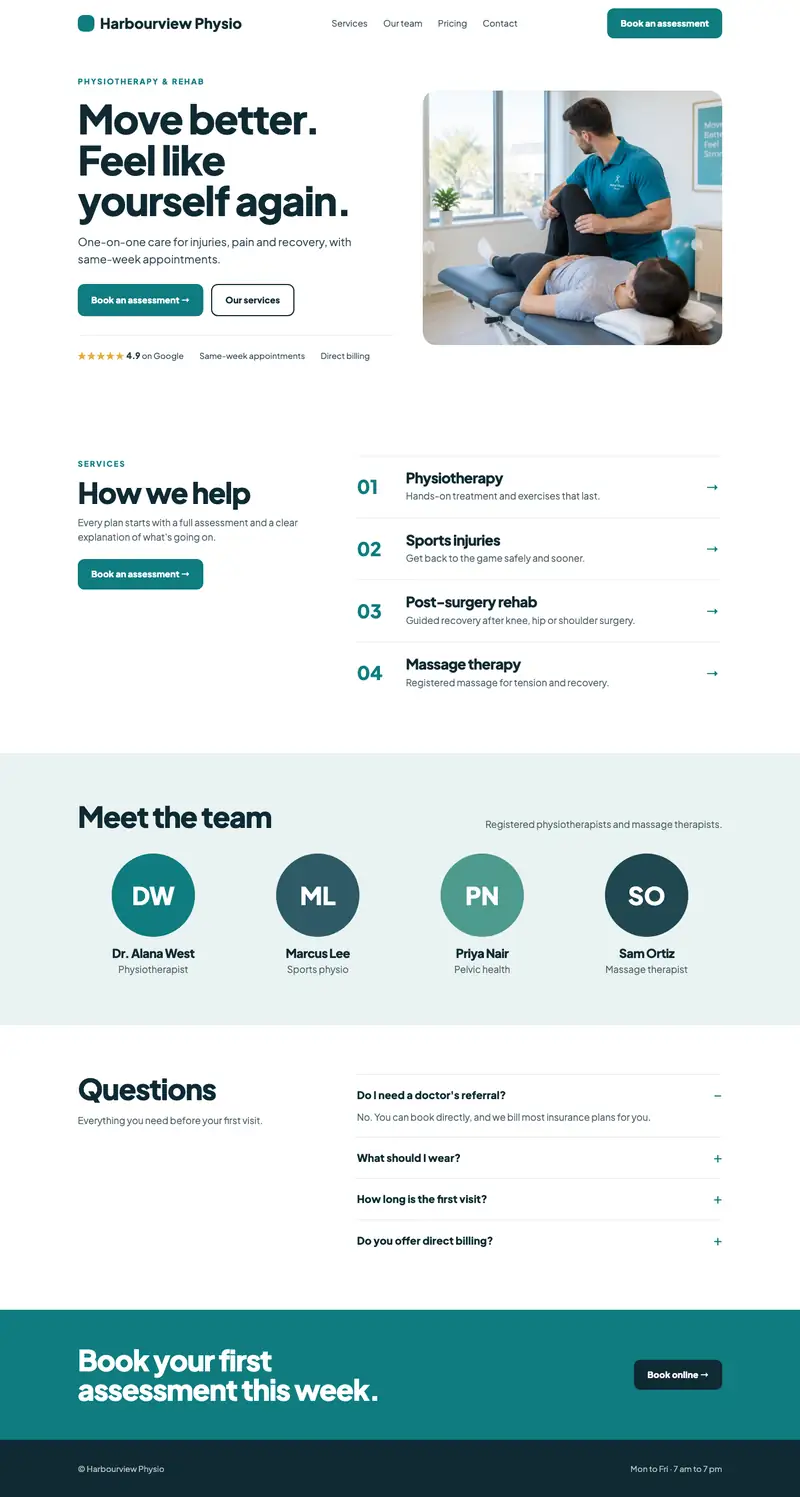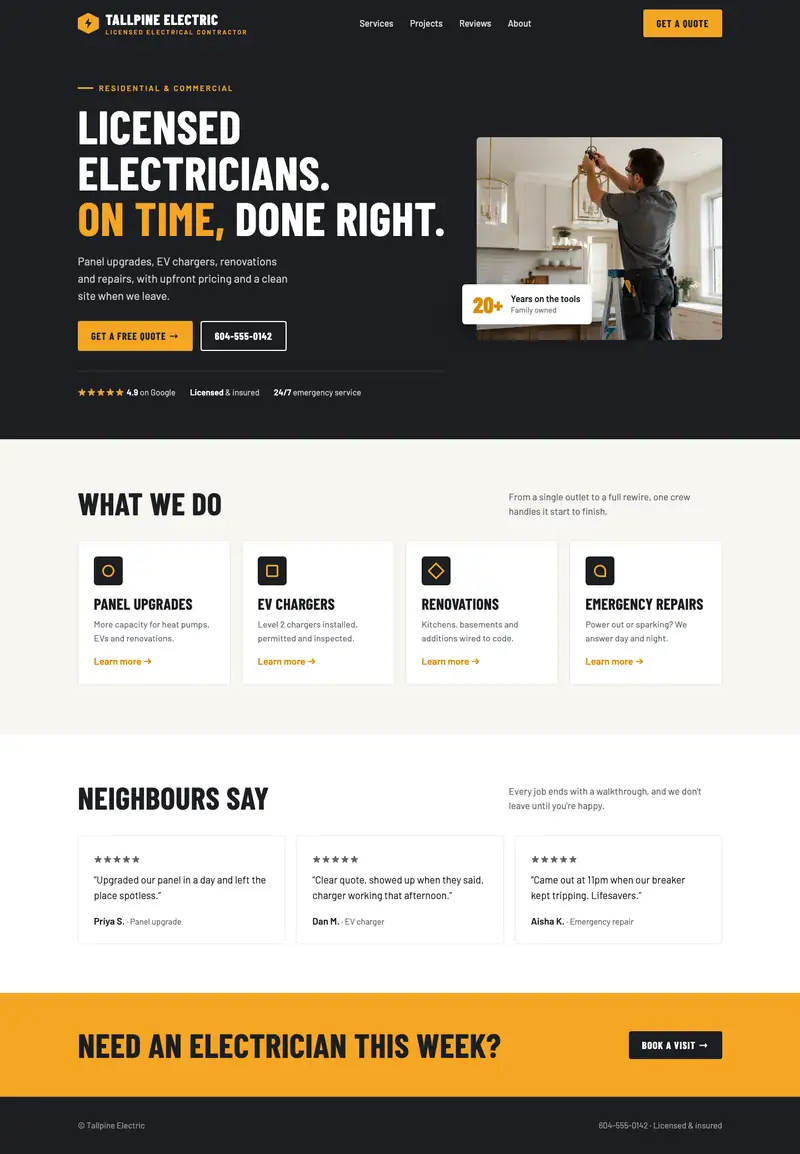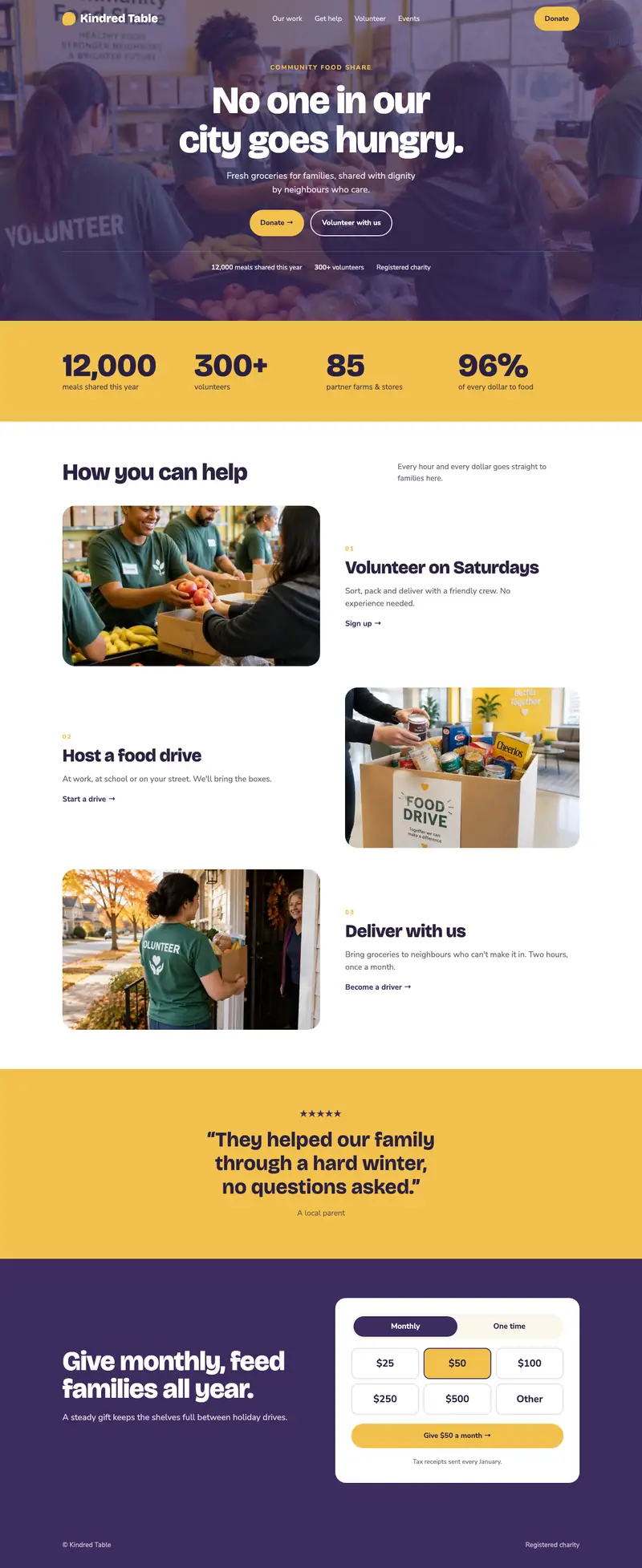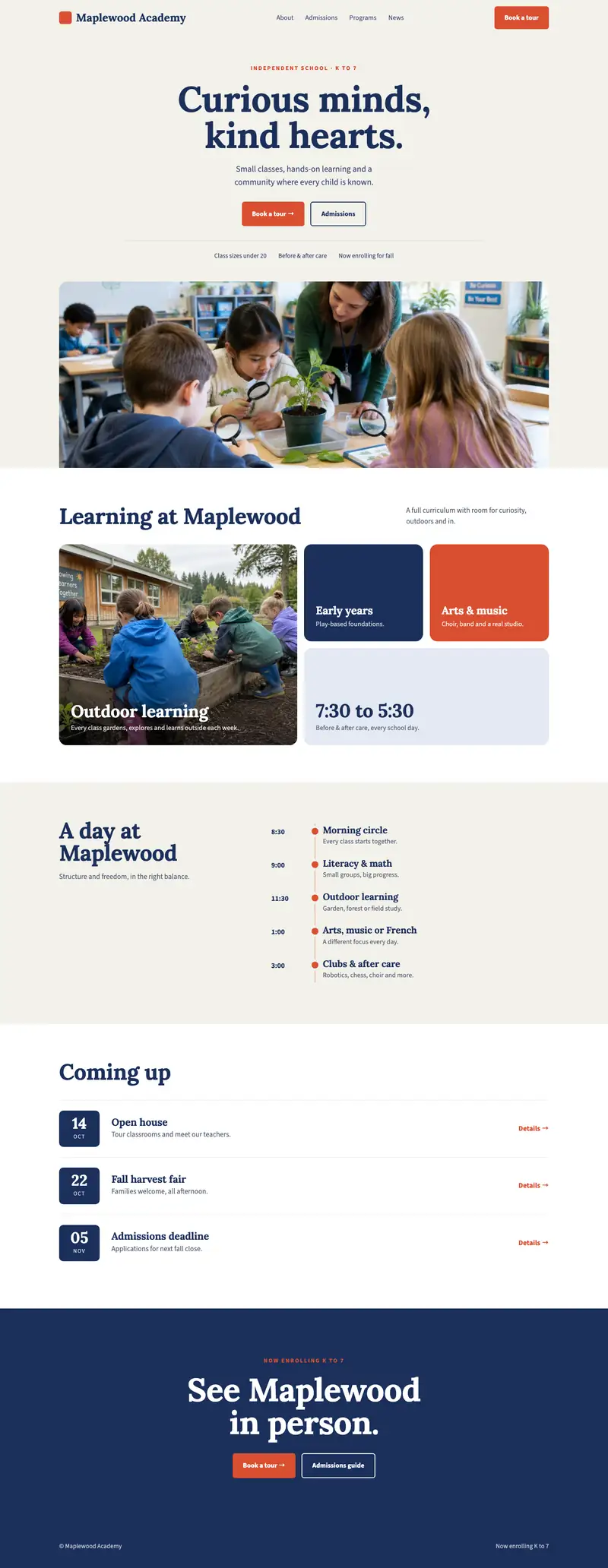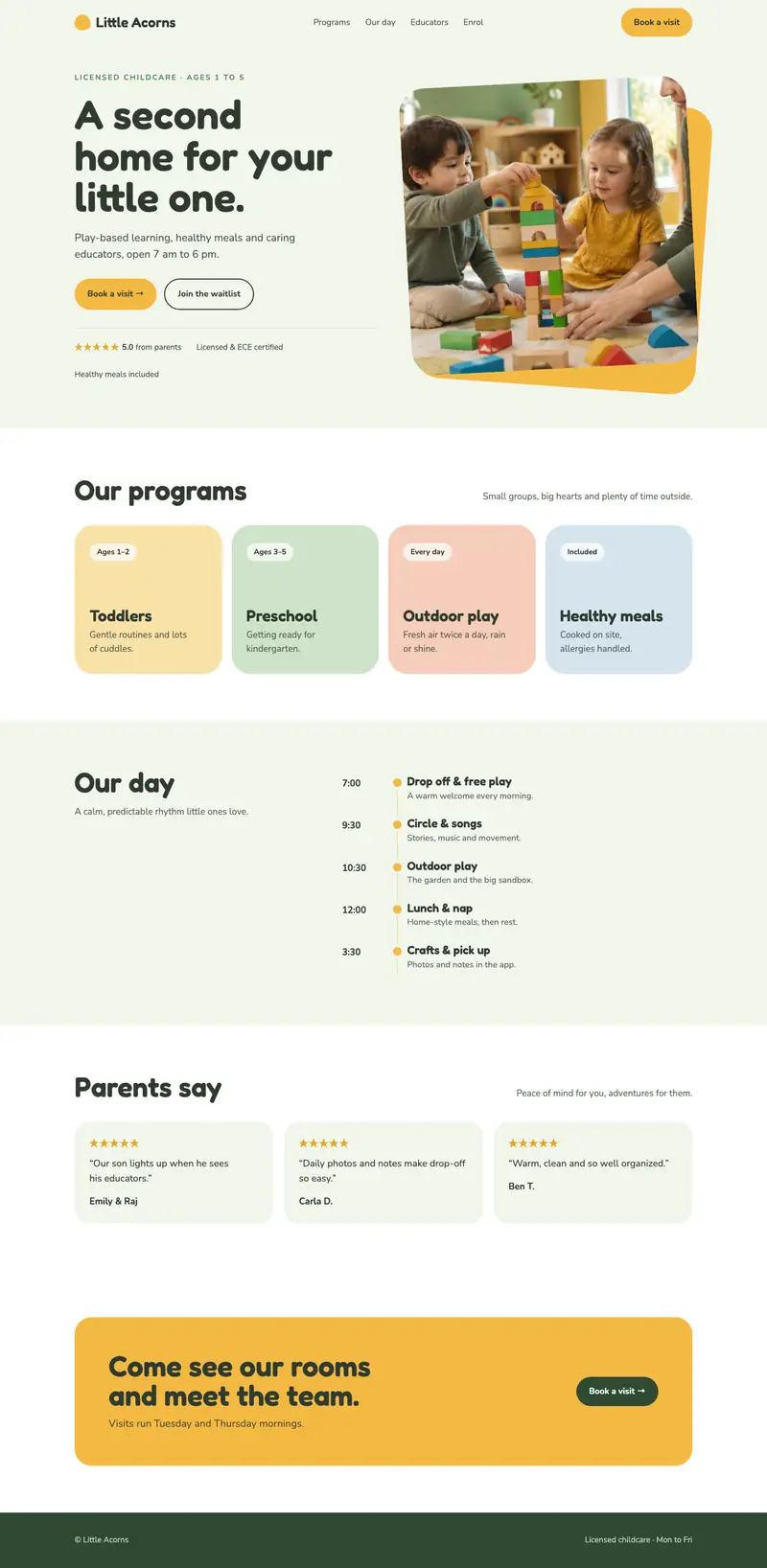
This is where it comes together. You have your plan, your words, your look and your photos. Now you put them on the page.
Choose a template
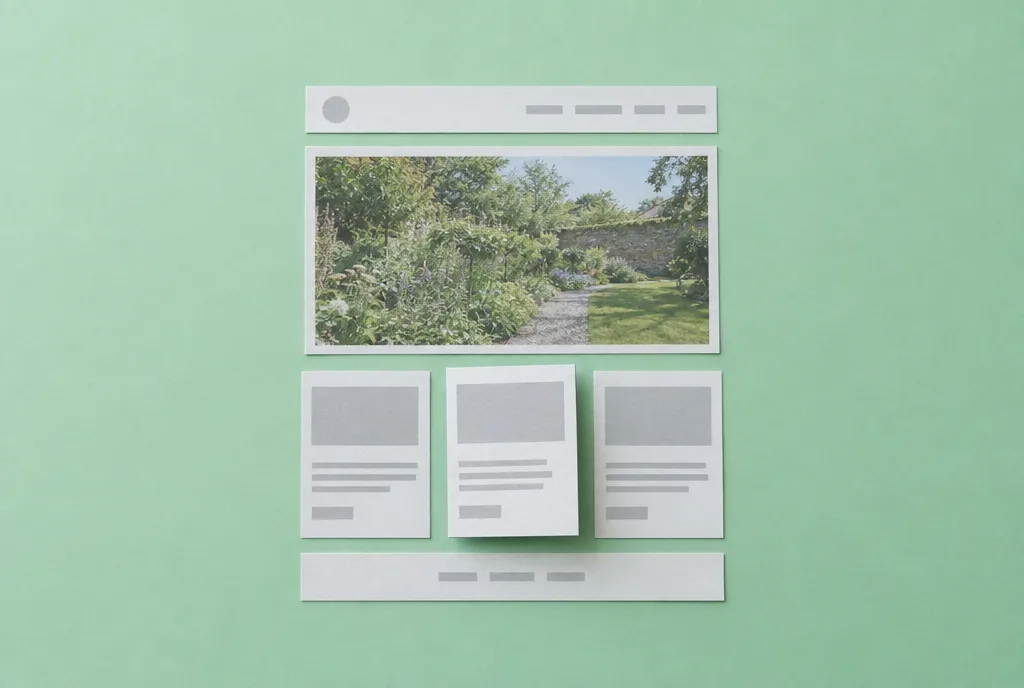
Pick a template with the right structure, not the prettiest pictures. Look for:
- A layout close to the pages on your list
- A clear space at the top for your main message and button
- Simple navigation
- Room for your own photos
You’ll replace all the sample photos and words anyway. Structure matters more than decoration.
Set up your brand first
Before editing pages, go to the design or style settings and set your colours and fonts from step 5. Every page will follow along, which saves a lot of time.
Build one page at a time
Start with your home page. For each page:
- Paste in your words from step 4
- Add your photos from step 5
- Delete sections you don’t need
- Make sure your main action is easy to find
Layout basics
- One idea per section. A heading, a few lines, maybe a photo.
- Give it space. White space makes a page feel calm and easy to read.
- Big, clear buttons. Use your accent colour, with words like “Book a visit”.
- Your main action at the top and bottom of every important page.
- Keep the menu short. Five items or fewer.
Check it on a phone
Most visitors will see your site on a phone, so check every page on one:
- Is the text big enough to read?
- Are buttons easy to tap?
- Do photos look right?
- Can you find the phone number fast?
Most builders have a phone preview. Use it, then check on your real phone too.
Add the essentials
- A contact form that sends to an email you check
- Your phone number and email in the footer of every page
- A privacy policy if you collect any details through forms. Many builders have a simple one you can adapt.
Ask someone to test it
Give your site to a friend and ask them to find your phone number and book or contact you. Watch where they get stuck. Fix those spots.
Your homework
Build every page on your list, check each one on a phone, and have one person test it.
In step 7, we’ll help people find it on Google.
Unlock the rest of the course.
Enter your name and email and we'll send you all eight steps, free.