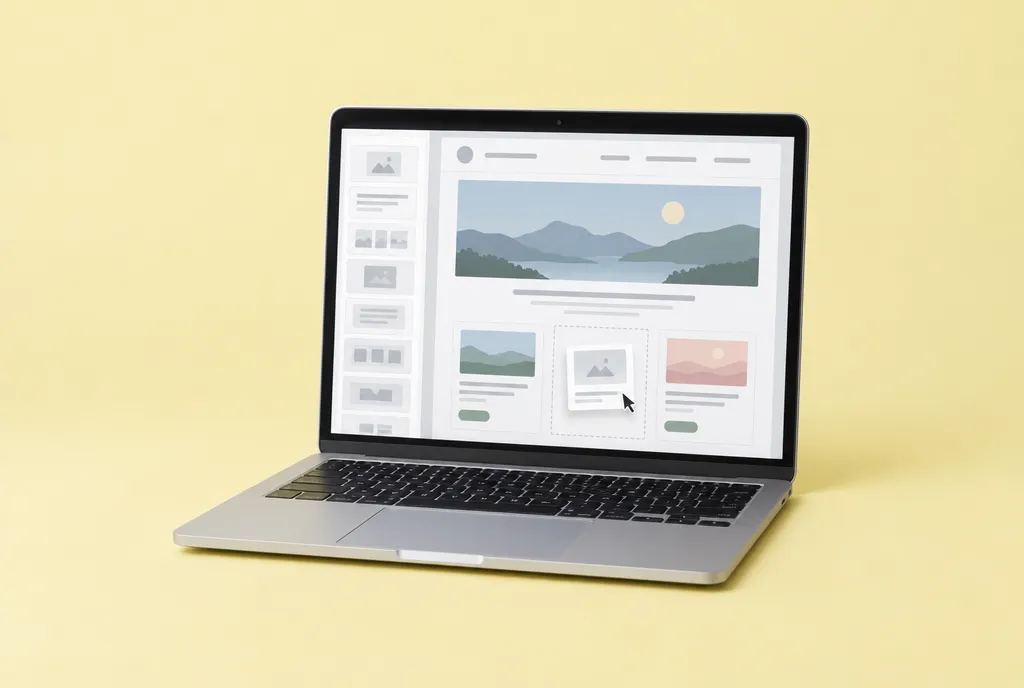
There are many ways to build a website. For most people doing it themselves, the choice comes down to two kinds of tools.
Website builders
Examples include Squarespace, Wix and WordPress.com. You pay a monthly or yearly plan, pick a design, and edit your pages by clicking and typing.
Good for:
- Beginners who want to start today
- Anyone who doesn’t want to deal with technical setup
- Small sites with a handful of pages
Keep in mind:
- You rent your site, so you keep paying to keep it online
- Moving to another tool later can mean rebuilding
- Designs can look similar to many other sites
WordPress (self-installed)
WordPress from WordPress.org is free software, but you need to pay for hosting (a place for your site to live) and set it up yourself.
Good for:
- People comfortable learning a bit of technology
- Sites that may grow into something bigger
- Full control over your site
Keep in mind:
- More to learn at the start
- You’re responsible for updates, backups and security
- Add-ons (plugins) can slow your site down or clash
Our honest advice
If you’re building your first website and you’re short on time, start with a website builder. You’ll launch sooner, and there’s much less to go wrong.
What to look for, whichever you pick
- A free trial. Try before you pay. Build your home page during the trial.
- Mobile-friendly templates. Most visitors will be on a phone.
- Your own domain. Make sure you can connect your own web address (step 3).
- Built-in basics. Forms, SSL (the padlock), and simple search settings.
- Easy to leave. Check whether you can export your content if you ever move.
- Real support. Help articles, chat or email when you get stuck.
Watch the renewal price
Many plans are cheaper in the first year. Look up what the plan costs when it renews, so there are no surprises.
Your homework
Sign up for a free trial of one or two tools. Spend 20 minutes clicking around. Pick the one that feels easiest to you. The best tool is the one you’ll actually use.
In step 3, we’ll get your web address.
Unlock the rest of the course.
Enter your name and email and we'll send you all eight steps, free.