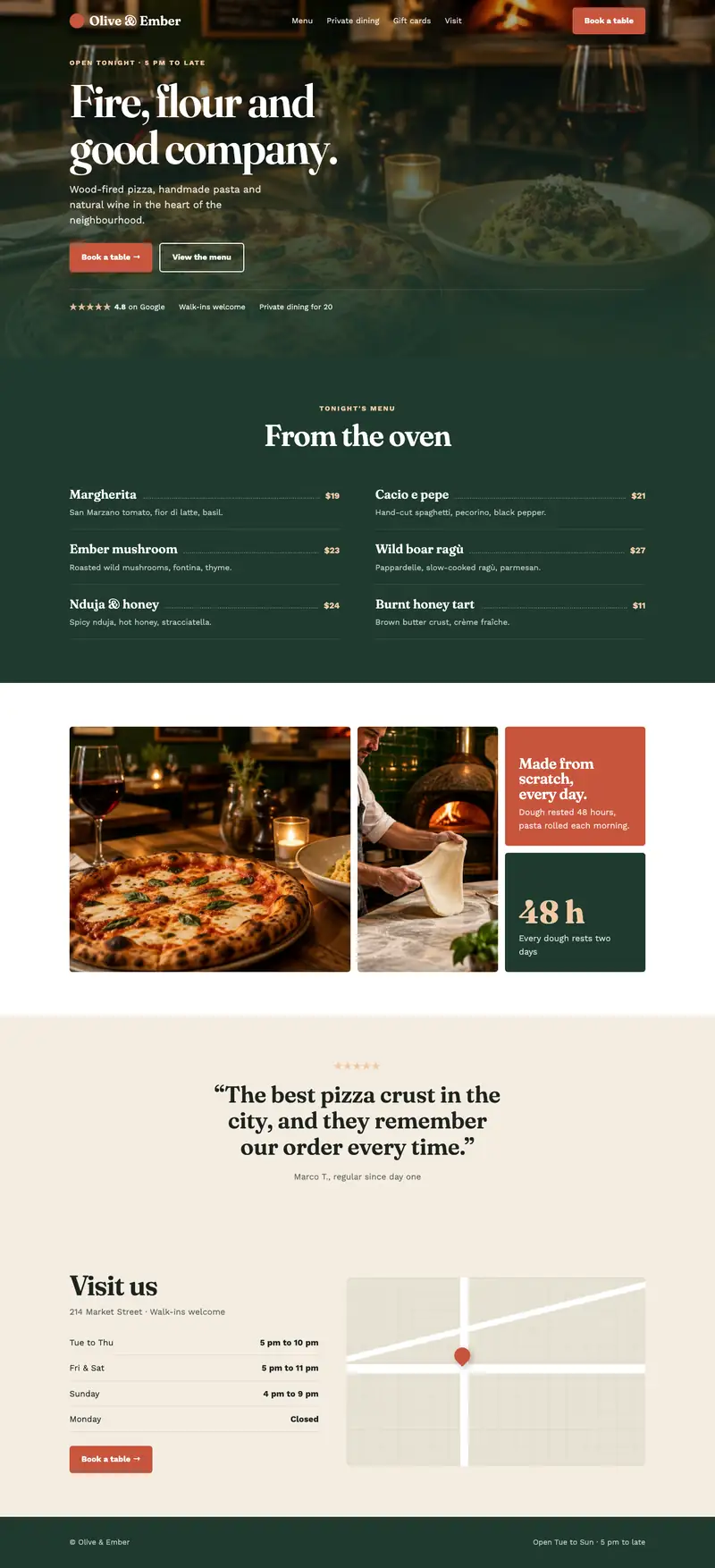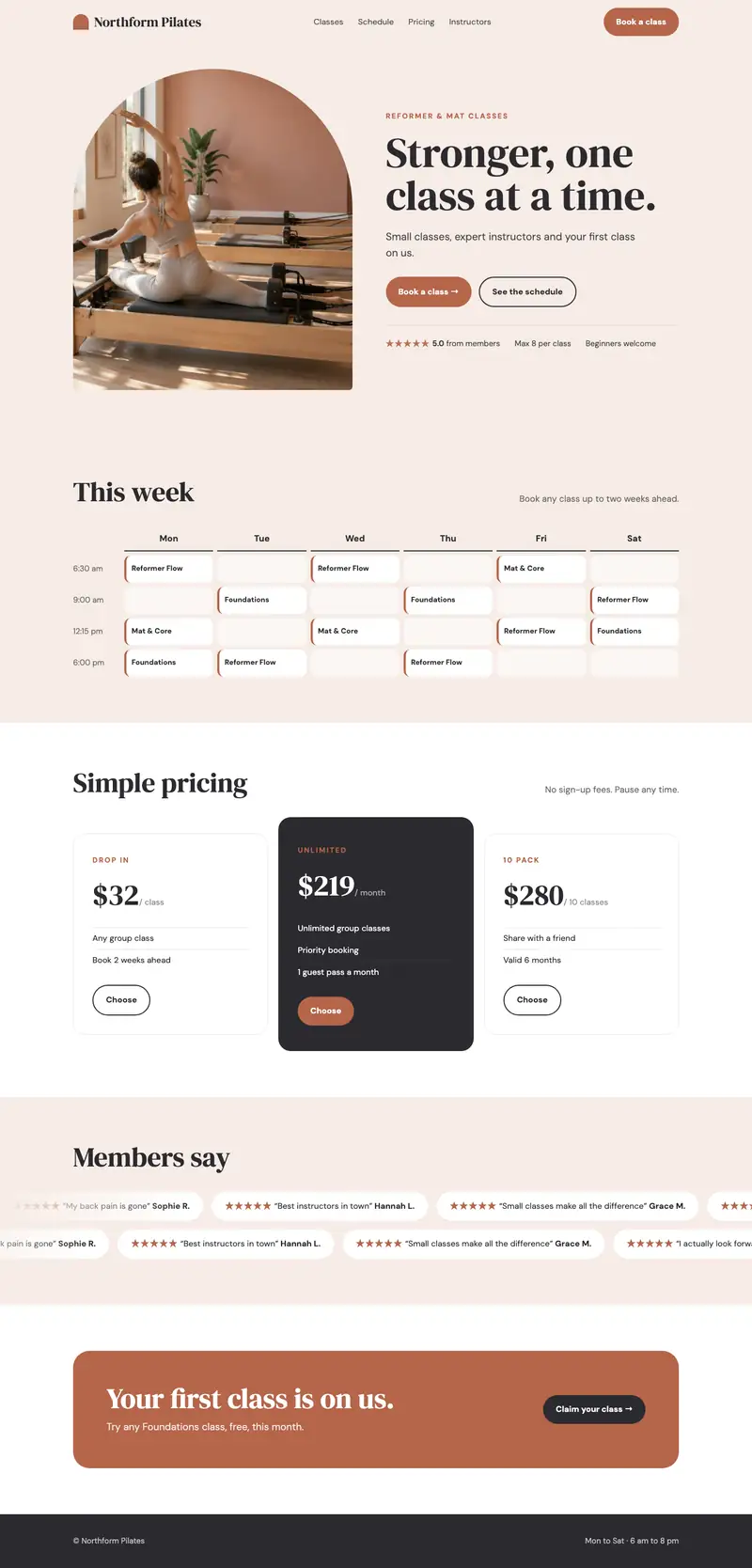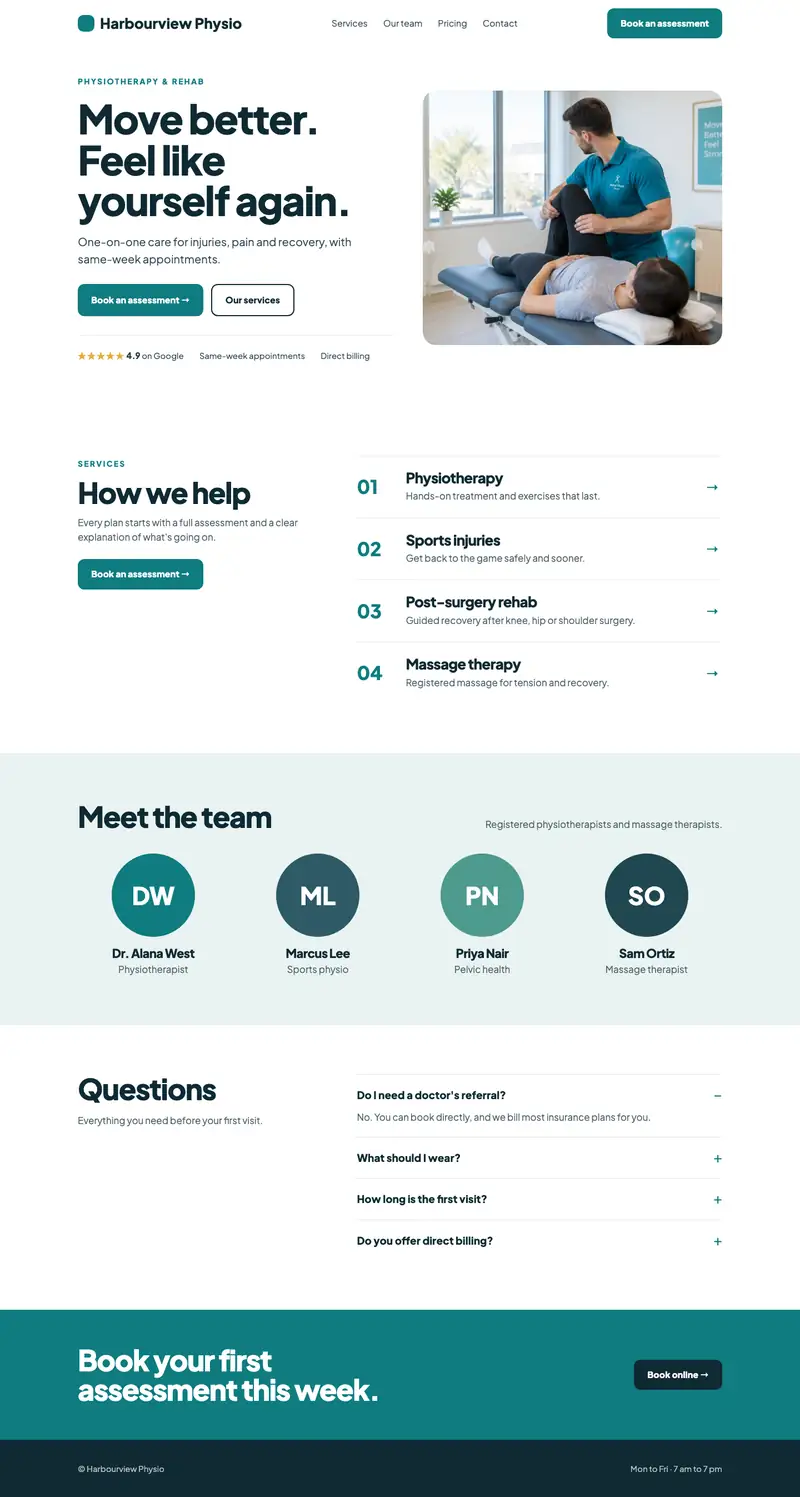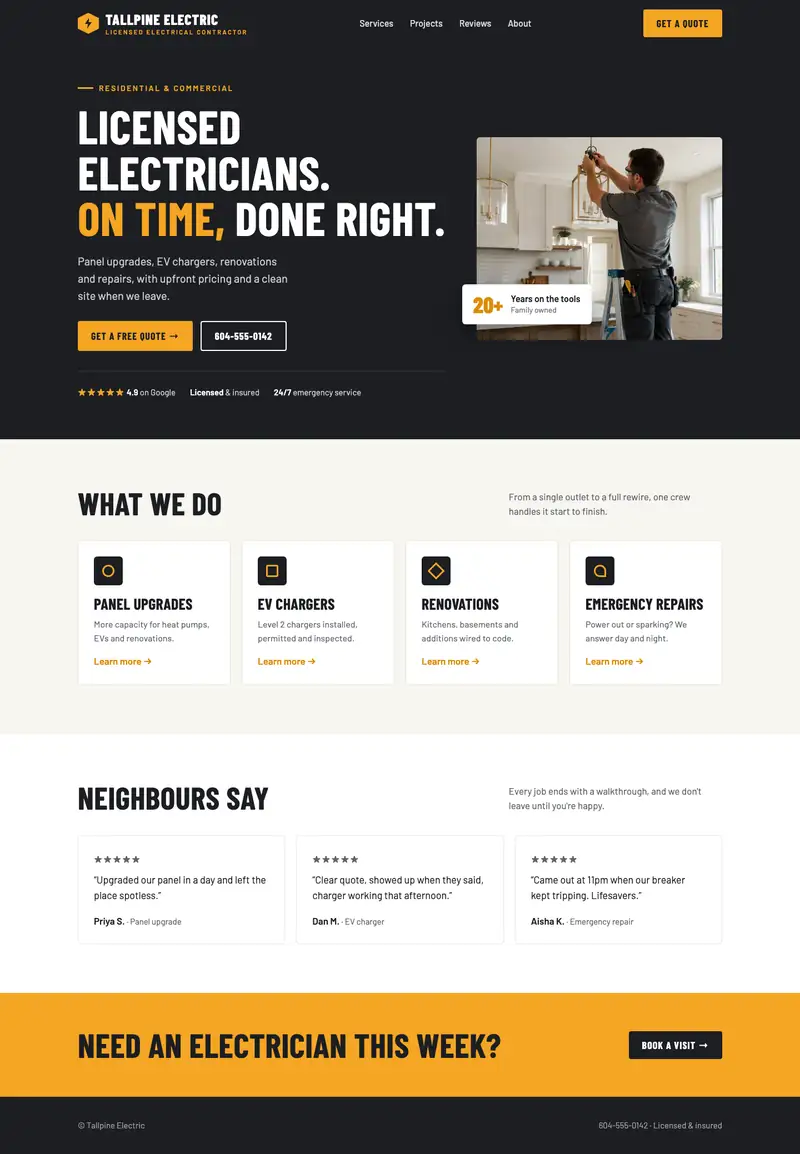
Clear words do most of the work on a small business website. Visitors want to know what you do, who it’s for and how to get in touch, and a nice design can’t tell them that on its own.
You don’t need to be a writer for this. Explain what you do the way you would to a customer standing in front of you.
Write before you design
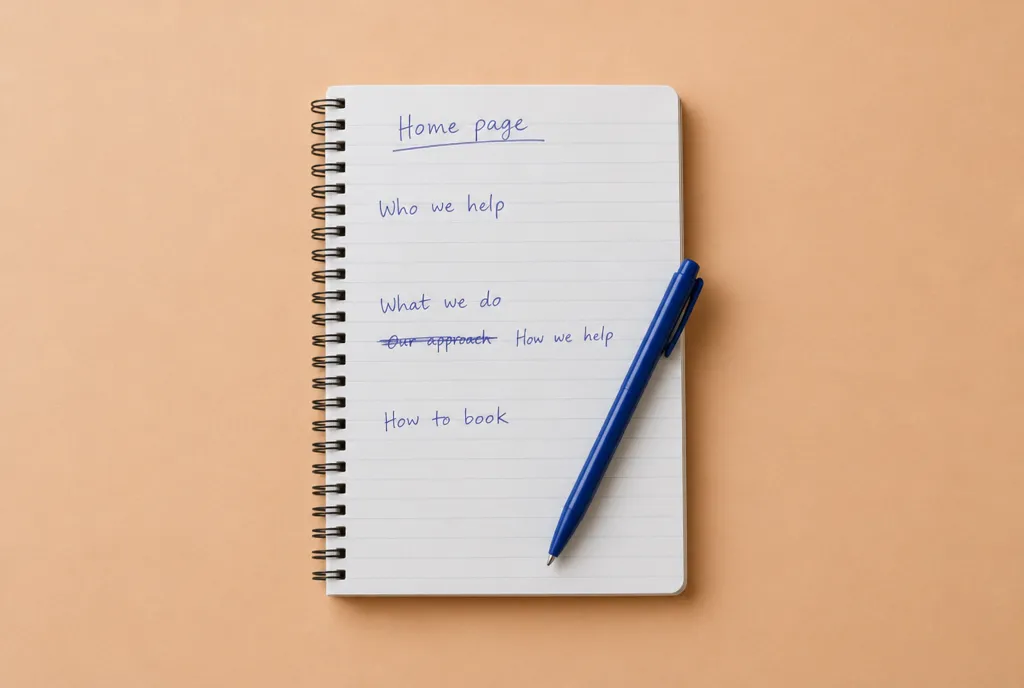
Write your words in a simple document first. It’s much easier than typing into a website editor, and it stops the design from deciding what you say.
Your home page
Answer these questions in the first few lines:
- What do you do? For example, “Family dentistry in Langley.”
- Who is it for? “For kids, adults and nervous patients.”
- What should they do next? “Book your first visit.”
Then add a few short sections: your main services, why people choose you, a review or two, and your main action again at the bottom.
Your services page
For each service:
- A short, clear name
- A few sentences on what it is and who it’s for
- What makes yours better or different
- What to do next
Use the questions your customers ask you. If people always ask “Do you take walk-ins?”, answer it right there.
Your about page
Visitors want to know who they’ll be dealing with. Share:
- Who you are and how you started
- Why you care about this work
- What customers can expect working with you
A friendly photo of you or your team helps here.
Your contact page
Make it easy:
- Phone, email and a simple form
- Your address and a map, if people visit you
- Your hours
- How quickly you reply
Tips that make any writing better
- Keep sentences short, with one idea each.
- Keep paragraphs short too: a few sentences, then a break.
- Talk to “you”. “We’ll fix your leak today” reads better than “Leaks are repaired promptly.”
- Skip the buzzwords. Words like “innovative solutions” don’t tell anyone anything, so say exactly what you do.
- Read it out loud. If it sounds stiff, rewrite it the way you’d say it.
Using AI to help
AI writing tools can help you get started or tidy up your words. Give them specific details about your business, your customers and what makes you different, since they can only work with what you tell them. Then edit the result in your own voice.
Your homework
Write a first draft of every page on your list. Don’t aim for perfect. You’ll improve it once you see it on the page.
In step 5, we’ll sort out your photos and your look.
Get the rest of the course, free
Enter your name and email and we'll send you the whole course.