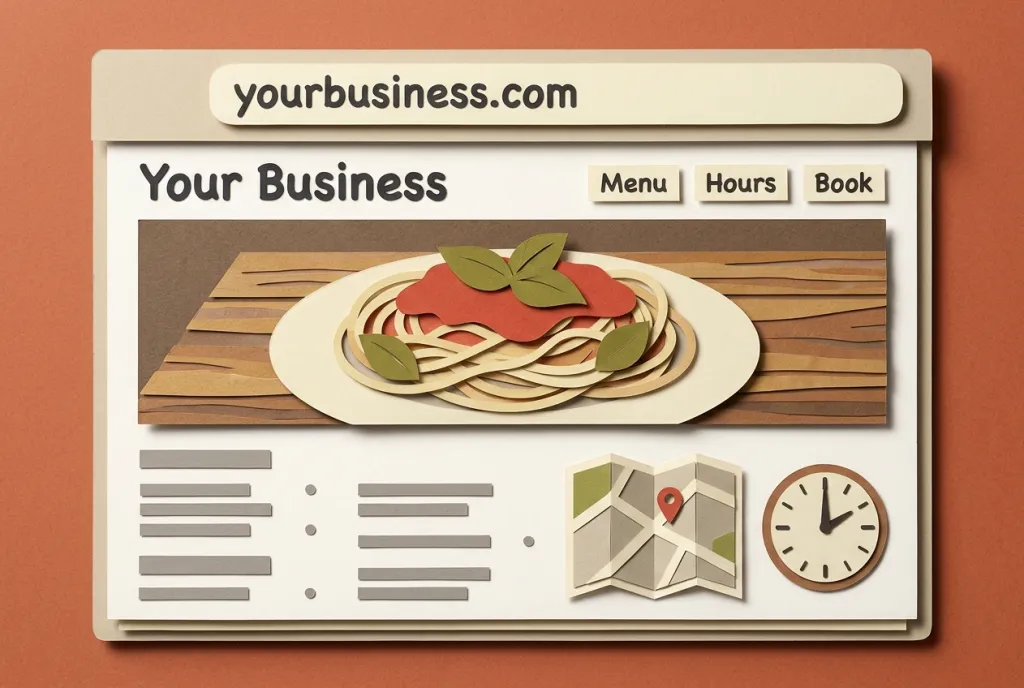
A restaurant website has to tell people what’s on the menu, whether you’re open, where you are and how to get a table. If someone has to hunt for any of that on their phone, they may pick the next place on the list.
Most of it lives on a handful of pages, and you can check each one on your own site tonight.
Your menu, written on the page
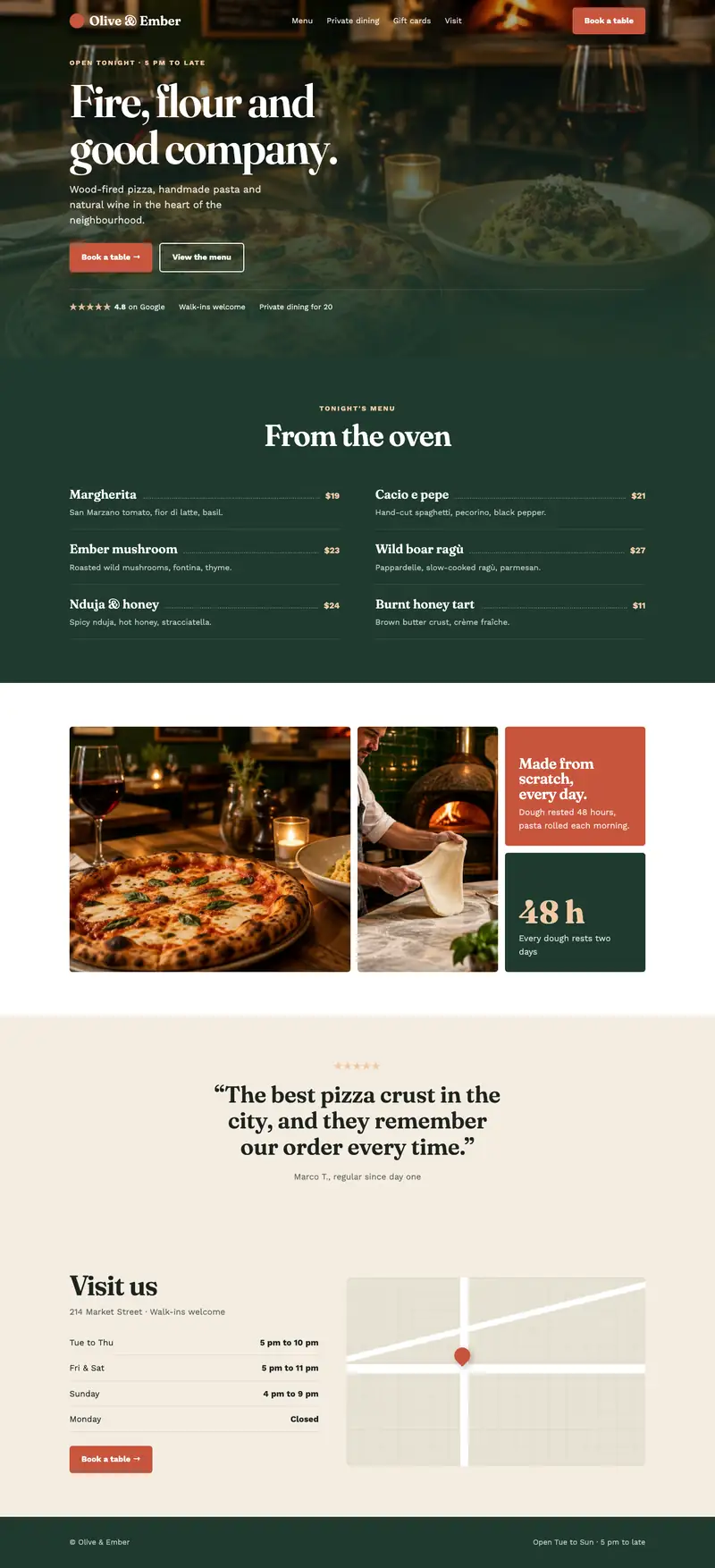
The menu is the page most people come for. Give it its own page, written as text, with each dish, a short description and the price.
A lot of restaurant sites link to a PDF of the printed menu instead. On a phone, that usually means waiting for a file to open, then pinching and zooming to read it. PDFs also get forgotten. The printed menu changes, and the file from two years ago stays up with the old prices.
A menu on the page fits a small screen and takes minutes to change. Some things that help:
- Sections that match how you serve, like lunch, dinner, drinks and kids
- A price beside each dish
- Small marks for vegetarian, vegan or gluten-free dishes, with a key
- The date it was last updated, if your menu changes with the seasons
People with food allergies check before they come. Health Canada keeps a list of priority food allergens, which includes peanuts, tree nuts, sesame seeds, milk, eggs, wheat and mustard.
Where you can, show which dishes contain them, beside each dish or in a short table under the menu. Add a line asking guests to tell their server about any allergy, since recipes and suppliers change. Only call a dish free of something if your kitchen is sure of it.
Your Google Business Profile has a spot for a menu link. Point it at your menu page, so people looking at you on Maps see the menu you keep up to date.
Hours that match Google
When your website says you close at 10 and Google says 9, people don’t know which to believe. Some will drive over and find the door locked.
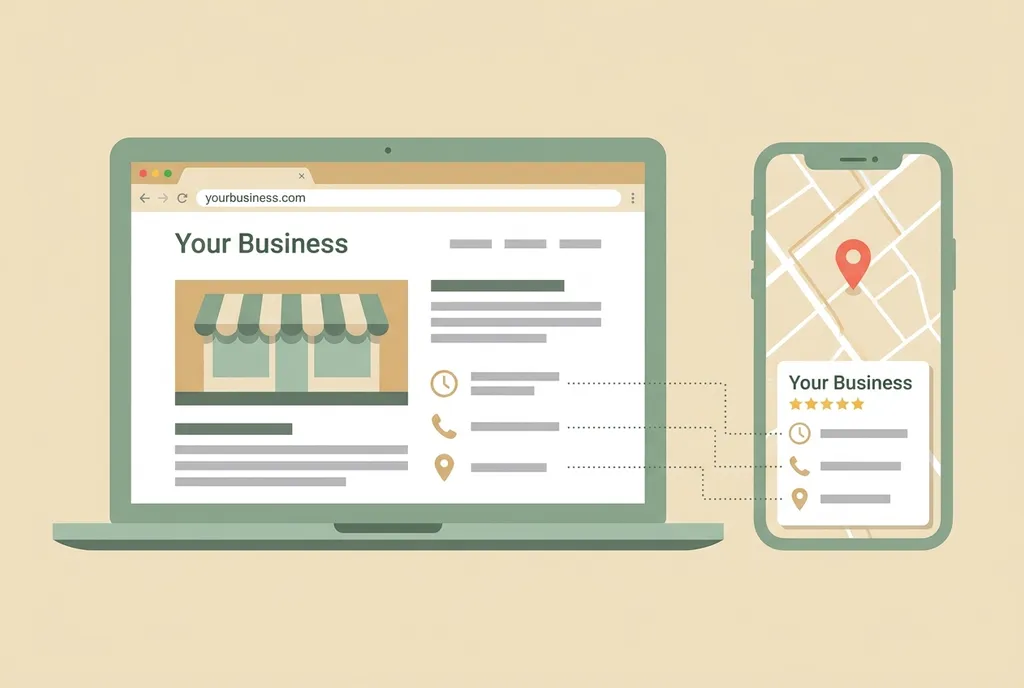
Put your hours in the footer of every page, and keep them the same as your Google Business Profile. Google’s guidelines for business profiles say restaurants should list the hours when diners can sit down and eat. Your name, address and phone number should match everywhere too, which also helps AI tools, as we explain in what an AI-ready website means.
Holidays are where hours often go wrong. Google lets you set special hours for particular dates, and its help page suggests confirming your holiday hours even when they’re the same as usual. Update the website on the same day.
On our support plan, new hours and menu changes are part of the unlimited updates. You send them over and we change them.
Getting there and parking
Someone who’s never been to your restaurant wants to know how to get there and where to leave the car. Put this on your contact page:
- Your address, as a link that opens directions on a phone
- Where to park, and whether it’s free
- Which door to use, if it isn’t the obvious one
- Whether there’s step-free access and an accessible washroom
Make your phone number a link too, so tapping it starts a call.
Booking a table
If you take reservations, put a Book a table button near the top of every page. Link it to the booking tool you already use, so there’s only one list of reservations to manage.
You can add the same link to your Google Business Profile. Google’s page on business links explains how to add a reservation link, so people can book from Maps and Search.
To take bookings on your website itself, we can connect a site to the booking system you already use, as long as that system has an API (a way for two programs to share information). That part is quoted separately.
If you don’t take bookings, say so. Tell people how walk-ins work and when the wait tends to be longest.
Photos of your food and your room
People choose where to eat partly on how the place looks. Use your own photos of dishes you serve and of the dining room, not stock pictures that could be anywhere.
Phone photos are fine. Shoot food near a window in daylight, and take the room when it’s set and tidy. Our free lesson on photos and your brand look has tips for shooting with a phone. A photo of the room tells people whether you suit a date, a family dinner or a group of ten.
Try your restaurant website as a new diner
Tonight, search for your restaurant on your phone and open the website as if you’d never eaten there. Try to:
- Find what time you close tonight
- Read the price of your most popular dish
- Get directions from where you’re sitting
- Book a table, or find out how walk-ins work
- Check that the hours match your Google listing
Write down anything that took more than a couple of taps. If the list is short, you can likely fix it on the site you have. If it’s long, or the site is hard to change, tell us about it through our contact page and we’ll take a look.