A non-profit website has two main jobs: get people to give, and get people to help. Most visitors already care about your cause when they arrive, so the site has to tell them what you do and make the next step obvious.
Before you change anything, look at the sites of two or three organizations doing similar work in other cities. Note what you’d copy and where you lost interest. We start every project with that kind of homework, and why research comes before design explains why.
Your mission in one line
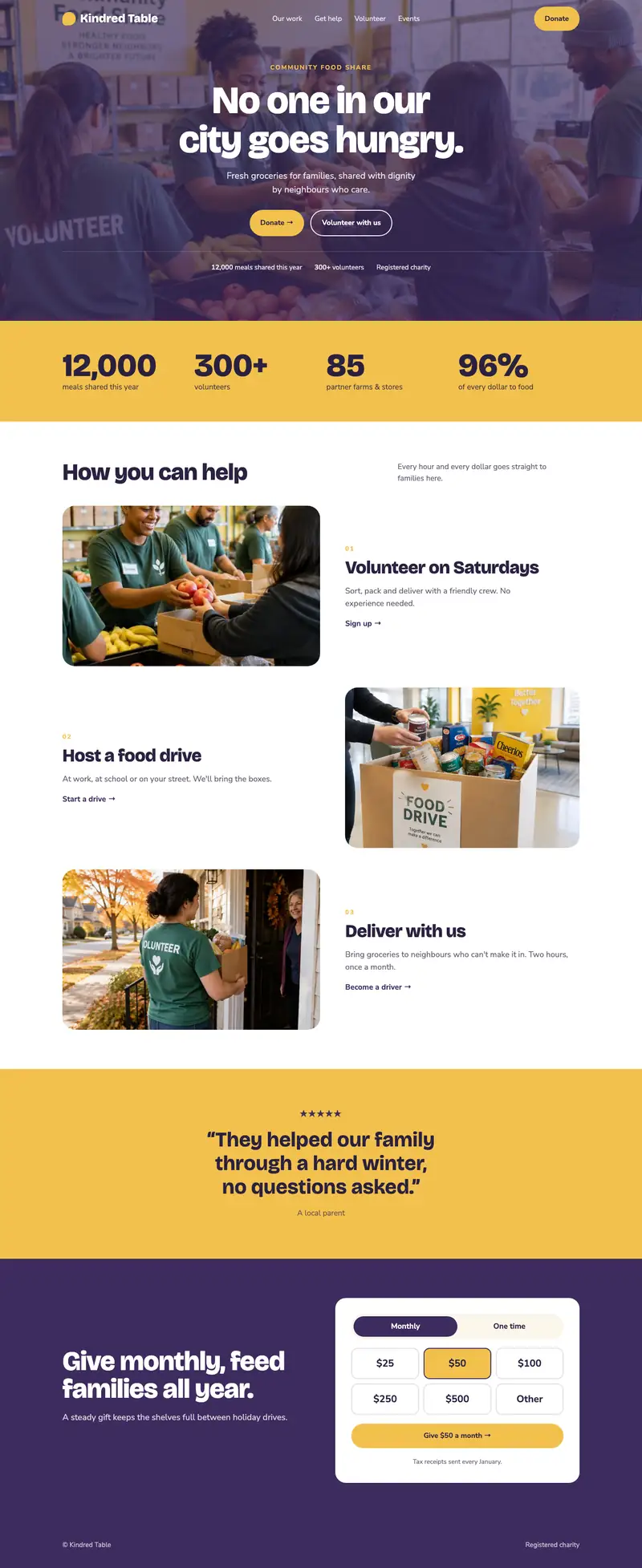
Put one sentence near the top of the homepage that says who you help, how, and where. Say you run a food bank. “We provide groceries to families in North Delta every week” tells a visitor far more than a line about hope and community.
Keep the longer story for the About page. That’s where your history, your board and your annual reports can go.
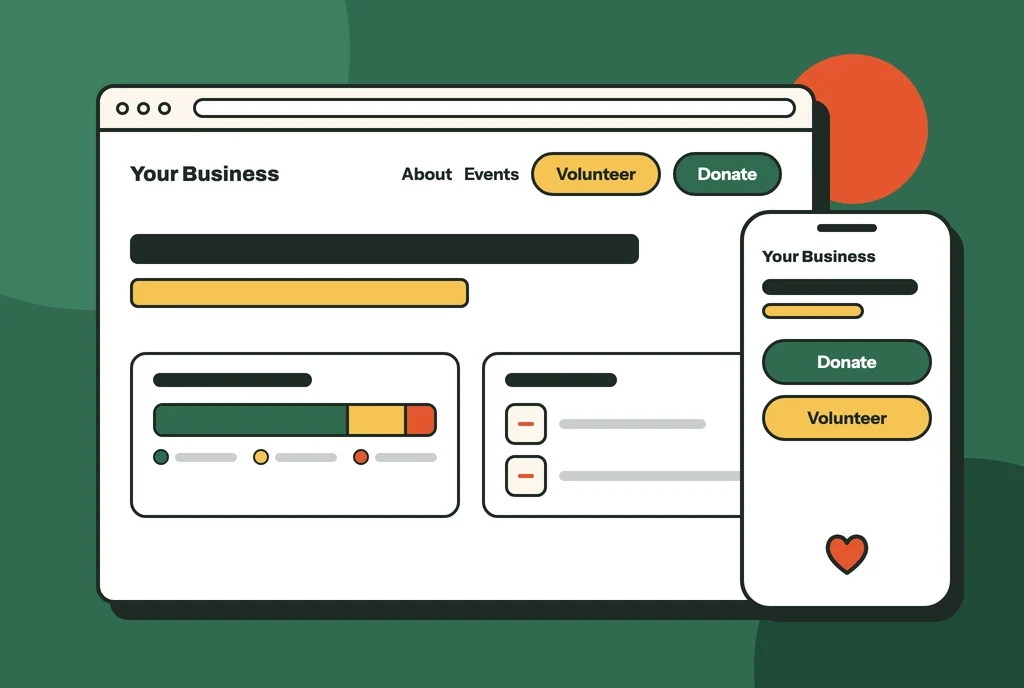
Two buttons for donating and volunteering
Most non-profits want one of two things from a visitor. Give each its own button in the header, so it’s there on every page. “Donate” and “Volunteer” work well as labels because nobody has to guess what they mean.
For donations, link to the platform you already use instead of building something new. Before you add the link, check that:
- The button opens your organization’s own page on that platform
- That page shows your name and logo, so people know they’re in the right place
- Monthly giving is offered, if your platform has it
- You know whether the platform sends tax receipts, and the site says when donors will get one
The volunteer page needs a little more detail. Say what volunteers do, how often, and any checks you need before someone starts. A short form asking for a name, email, phone number and the roles they’re interested in is enough. Then answer within a few days if you can, while they’re still keen.
Show where the money goes
Donors want to see their money doing something. These help:
- What a typical gift pays for, in your own numbers
- Your latest annual report or financial statements
- Photos of your programs, taken with permission from the people in them
- The names of your board members
If you’re a registered charity, put your registration number in the footer. The Canada Revenue Agency says only registered charities and other qualified donees can issue official donation receipts that let donors claim a tax credit, so the number tells people their gift counts. Donors can also look you up in the CRA’s List of charities, which shows whether a charity is registered along with financial information from its last five annual returns. Make sure your name, address and contact details on the site match what’s listed there.
Events and news that stay current
An events page with last spring’s fundraiser at the top tells visitors the site isn’t looked after. Only add an events section if someone will keep it up to date. For each event, the date, the place and a way to sign up are enough.
The same goes for news. Two short updates a season, with a photo each, show the work is still going on.
If keeping the site current is the hard part, ongoing support includes unlimited updates: send what you want changed and it’s done for you.
How people reach you
Put an email address and a phone number in the footer and on a contact page. Add your address and opening hours if people drop by. If you run more than one program, list who to contact for each, so a question about volunteering doesn’t sit in the donations inbox for a week.
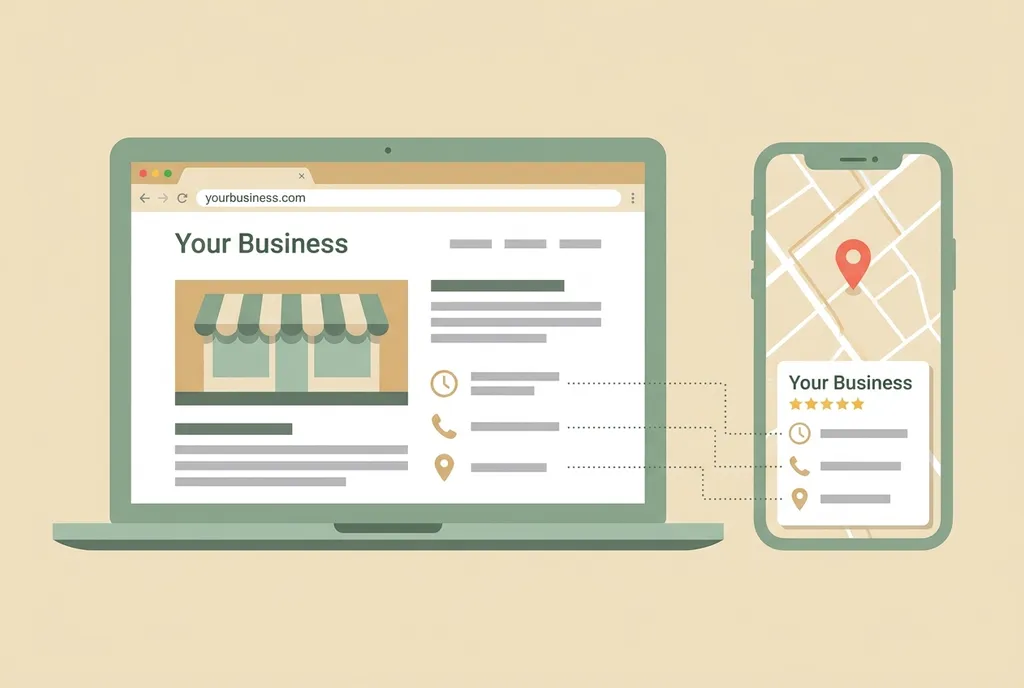
Use the same name, address and phone number on your website, your Google listing and anywhere else your organization is listed.
Check your non-profit website this week
Open your site on your phone and pretend you’ve never heard of your organization. Give yourself two minutes to:
- Say in your own words what you do
- Get from the homepage to the donation page
- Find out how to volunteer
- Find something that happened in the last three months
- Find who to contact with a question
Write down each one you couldn’t do. A short list can usually be fixed on the site you have. If the list is long or the site is hard to change, a new site may be quicker, and what to prepare before a website project covers what to gather first. If your budget is tight, our free course walks you through building it yourself.