Welcome to the course. Over eight short steps, you’ll go from nothing to a working website you built yourself. You don’t need any technical skills, and you don’t need to spend much money.
This first step happens on paper. It’s the one most people skip, and it’s the one that makes everything else easier.
Decide what your site is for
Finish this sentence: “After someone visits my website, I want them to…”
- Call me
- Book an appointment
- Fill out a form
- Visit my shop or office
- Learn enough to trust me
Pick one main action. Every page you build will point toward it.
Decide who it’s for
Picture your best customer. Write down:
- Who they are and where they live
- What problem they have that you solve
- The questions they ask you before they buy
Those questions are gold. They’ll become the words on your site in step 4.
List your pages
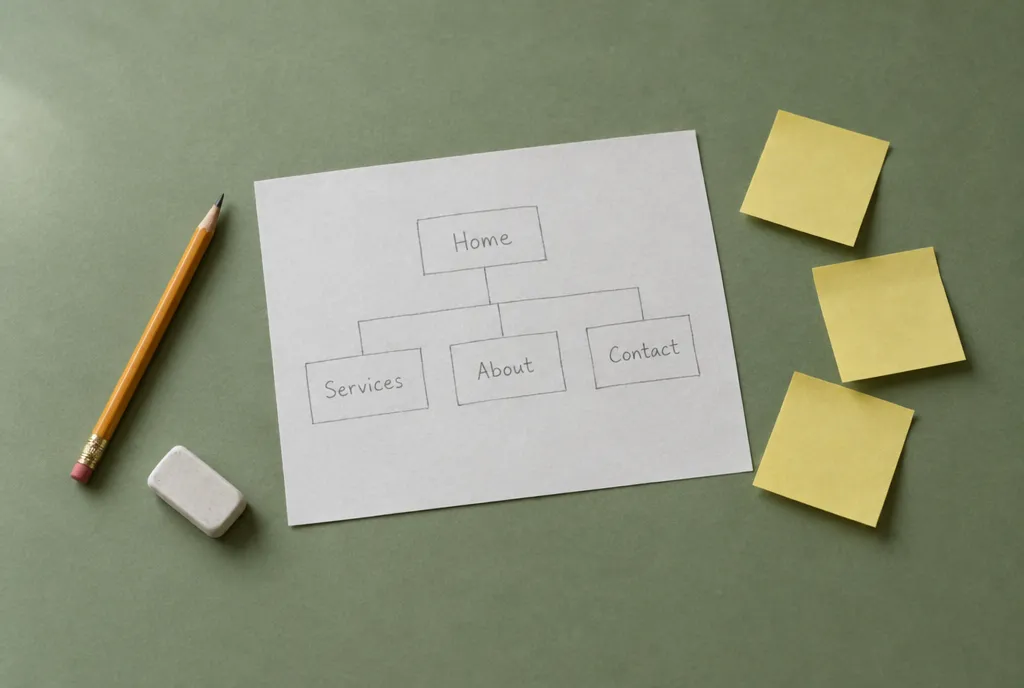
Most small business websites need only four or five pages:
- Home. What you do, who it’s for, and the main action.
- Services (or Menu, Programs, Classes). What you offer.
- About. Who you are and why people can trust you.
- Contact. How to reach you, your hours and location.
You can add more later, like reviews, a gallery or articles. Start small. A clear five-page site beats a confusing twenty-page one.
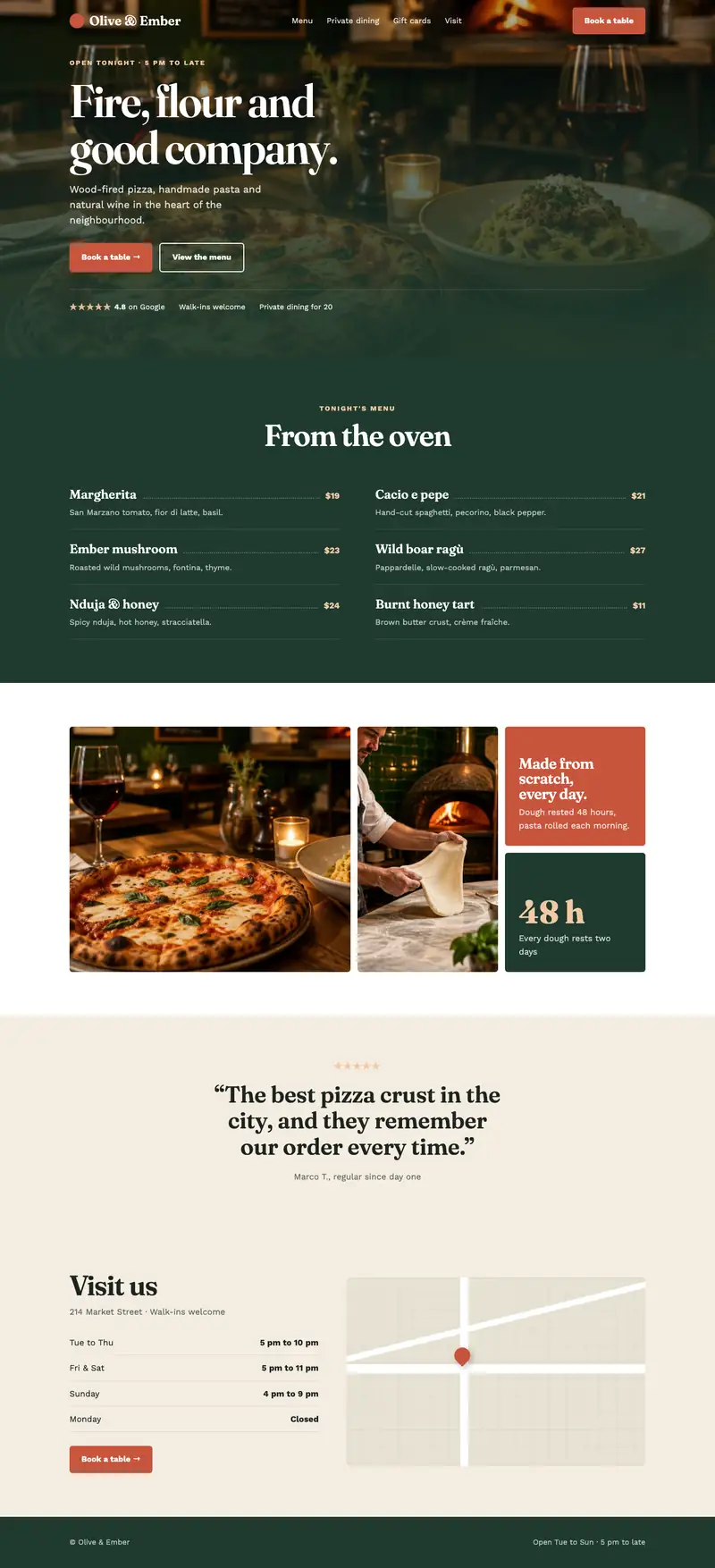
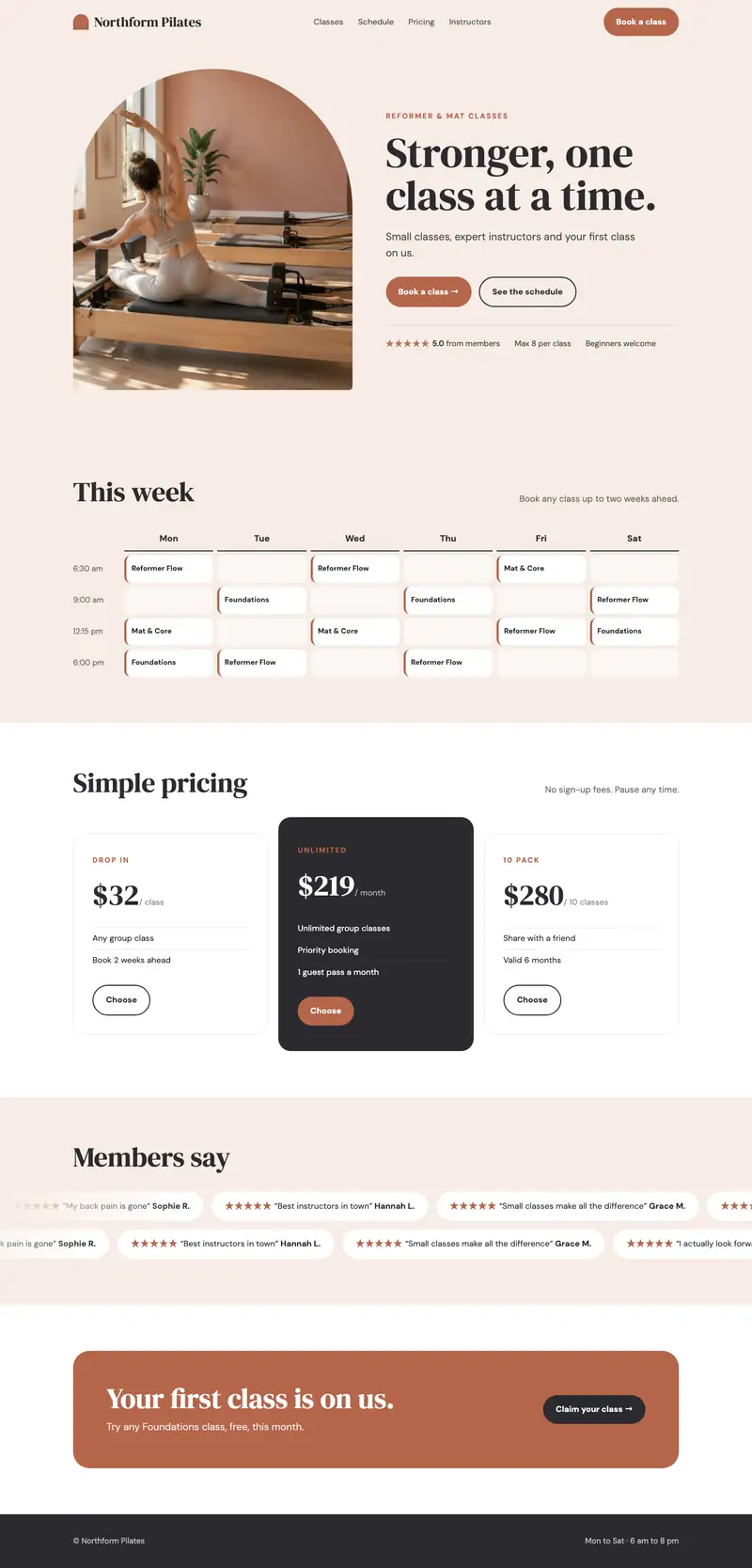
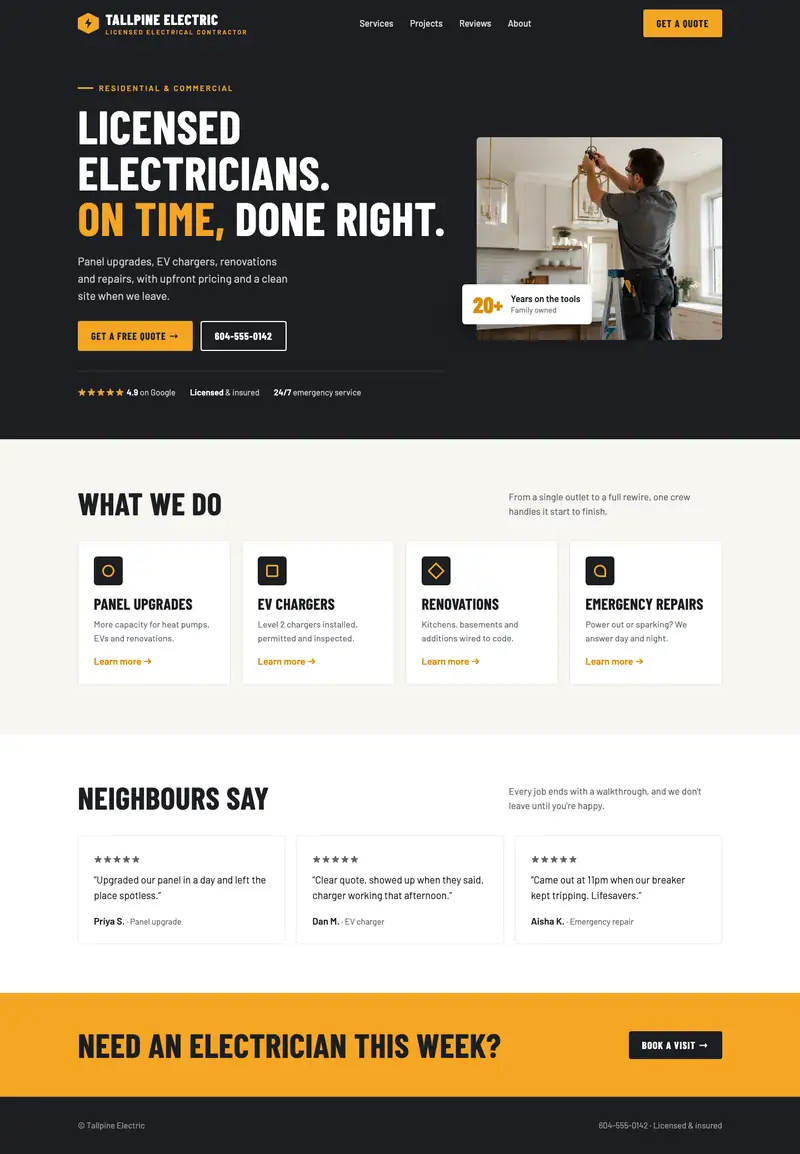
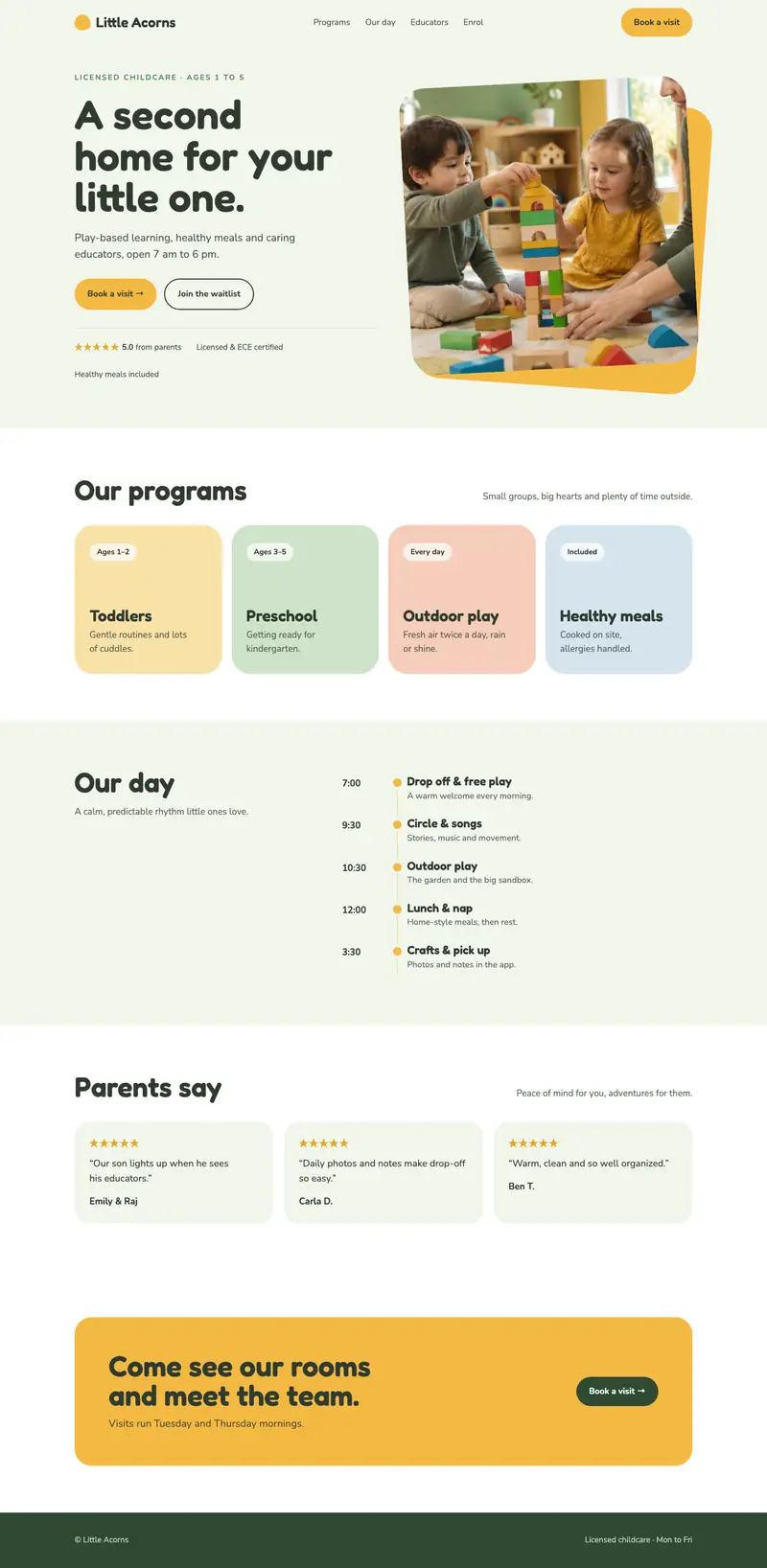
Look at other websites
Find three websites you like. They don’t have to be in your industry. For each one, note:
- What you like about it
- What’s easy to find
- What annoyed you
Then look at two or three competitors. What do they all say? What are they missing? That gap is where you can stand out.
Gather what you have
Start a folder, on your computer or in a box, with:
- Your logo, if you have one
- Photos of your work, your space or your team
- Reviews from happy customers
- Your hours, address, phone number and email
Your homework
By the end of this step you should have:
- One sentence saying what your site is for
- A short description of your ideal customer
- Your list of pages
- A folder of what you already have
That’s your plan. In step 2, we’ll pick the tools to build it with.