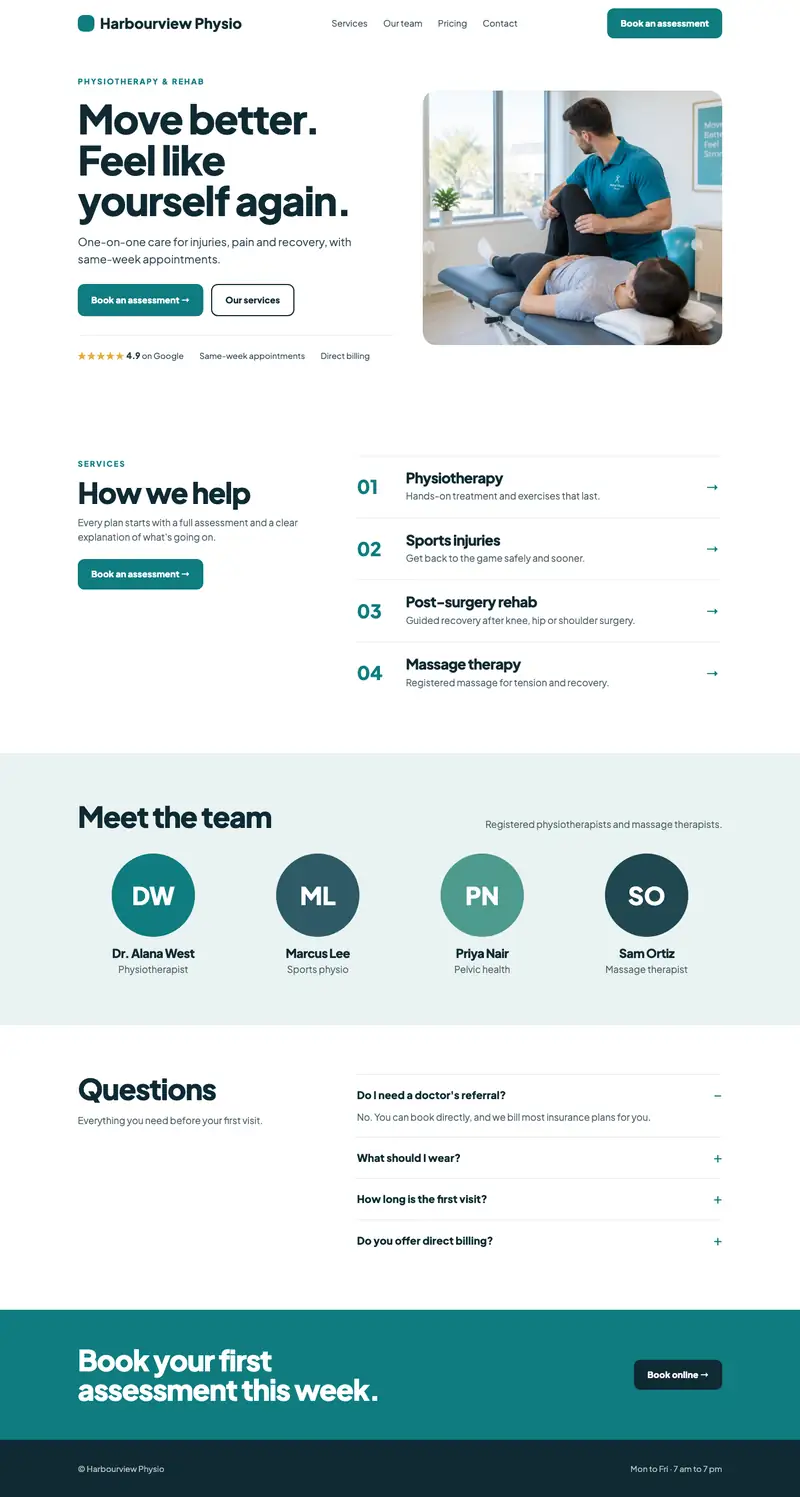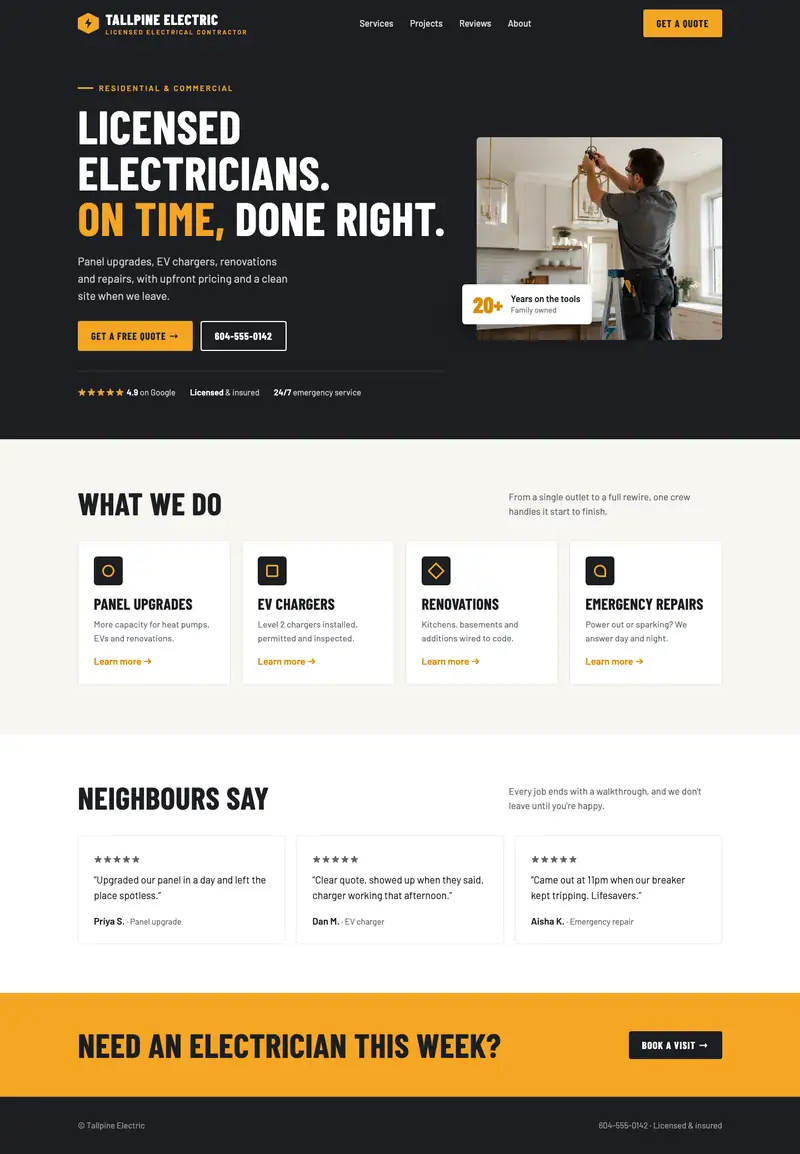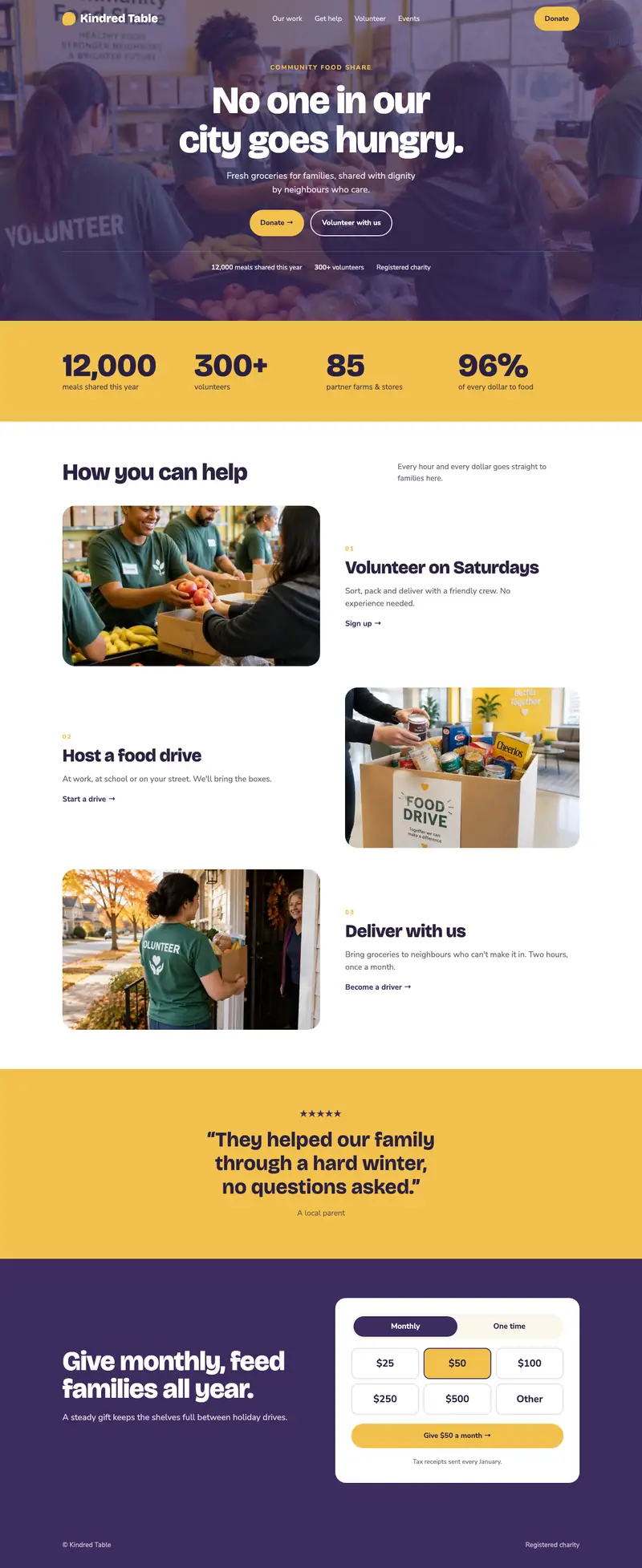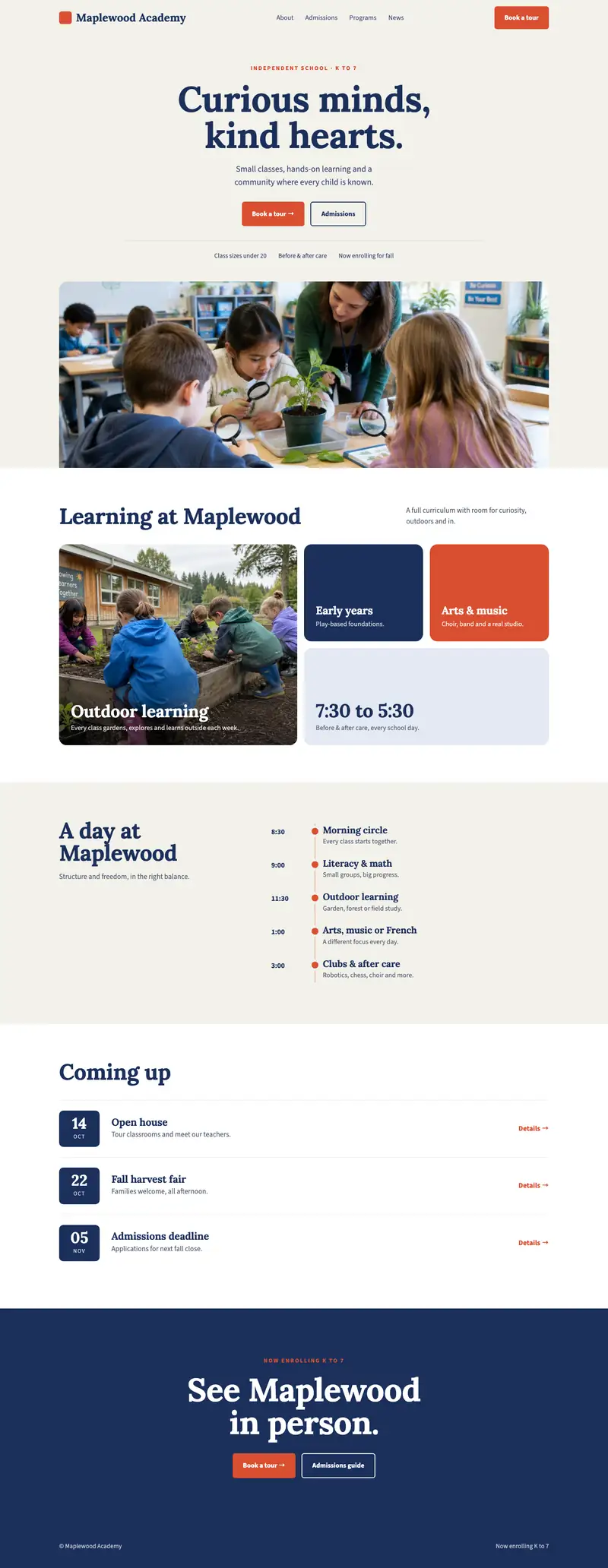
If you hesitate before giving someone your web address, your site probably needs work. When two or three of the signs below sound familiar, it’s time to think about a website redesign.
Some of them can be fixed on the site you already have, so you may not need to start over.
It looks dated next to your competitors
Search for what you do in your area and open the first few websites that come up. Then open yours. If it looks older than theirs, your customers will see that too.
Signs a design has aged:
- A copyright year in the footer that’s several years old
- Stock photos that could belong to any business
- Small grey text that’s hard to read
- A logo or colours that no longer match your sign, van or business cards
- A news page whose last post is from years ago
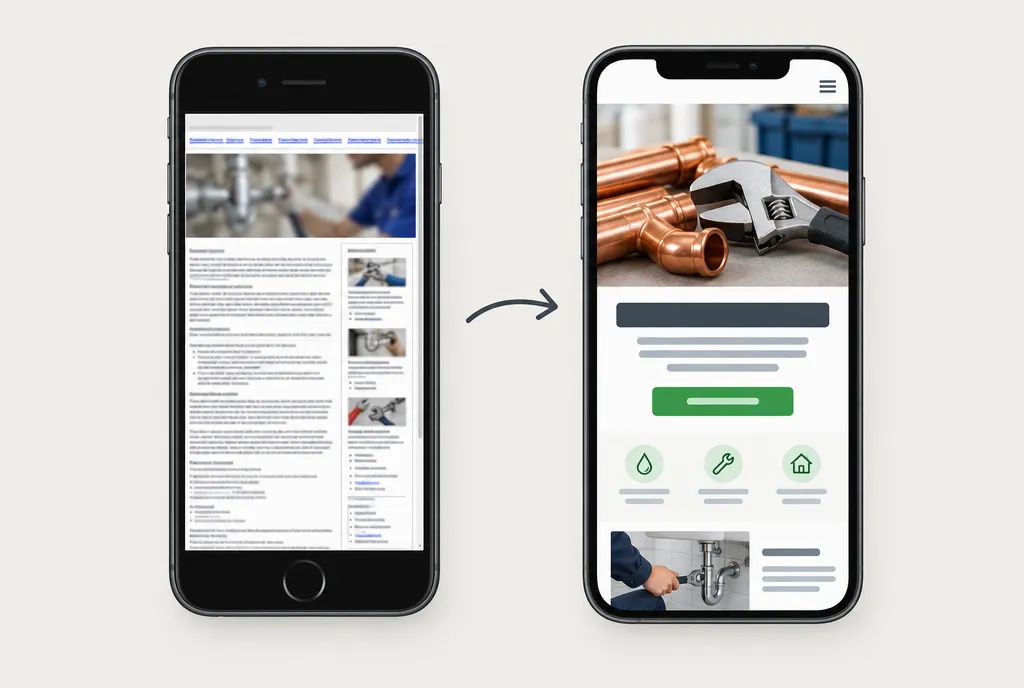
It’s hard to use on a phone
Google uses the phone version of your site when it adds your pages to search and decides where they rank (Google’s guide to mobile-first indexing). So if the phone version is awkward or missing content, that’s what Google sees.
Pick up your phone, open your site and check:
- Can you read the text without zooming in?
- Can you tap the menu and buttons without hitting the wrong one?
- Does tapping your phone number start a call?
- Can you fill in the contact form without turning the phone sideways?
If you answered no to any of these, your visitors on phones are having the same trouble.
It’s slow to load
Run your homepage through PageSpeed Insights, Google’s free speed test. It reports on phones and computers separately and suggests what to improve. Look at the phone result first, since that’s the version Google uses for search.
What causes a low score varies. Sometimes it’s a handful of huge photos, which are quick to shrink. Other times it’s how the whole site was put together, often with a page builder and a long list of add-ons that load extra code on every page. Fixing that usually means rebuilding the site.
The details are wrong and hard to change
Out-of-date details cost you calls. The usual ones:
- Hours that don’t match your Google listing
- Staff who’ve left, or new staff who aren’t on the site
- Services you’ve stopped offering, or new ones that are missing
Most of the time the details are wrong because changing them is a hassle. The person who built the site has moved on, or nobody remembers the login.
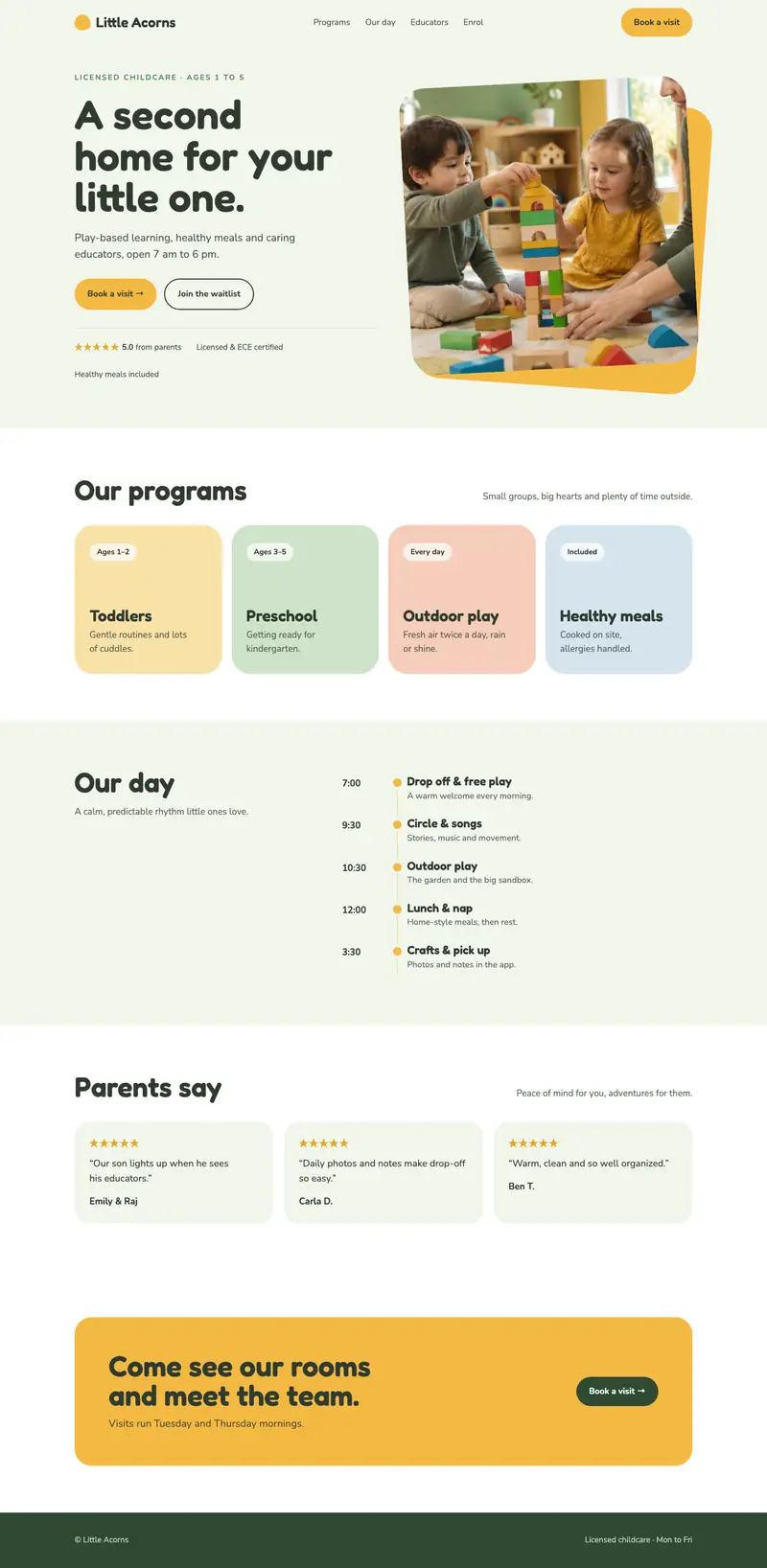
Say you run a daycare and your hours change in the fall. If updating the website means chasing someone for weeks, parents see the old hours that whole time.
It doesn’t bring in enquiries
For most businesses, the website’s job is to bring in calls, bookings or quote requests. If it’s been months since anyone said they found you online, go through these:
- Send a message through your own contact form. Does it arrive, in an inbox someone reads?
- On a phone, can you find your number and the way to book or ask for a quote within a few seconds?
- Does the top of the homepage say what you do and where you work?
- Does the address bar show “Not secure”? Chrome’s help page says that means the site doesn’t use a private connection, and someone may be able to view and change what visitors send (Chrome Help).
Fix it or plan a website redesign
You don’t always need a new site. These can usually be sorted out on the one you have:
- Wrong details and a contact form that sends to an old address, once you can log in
- The “Not secure” warning, which the site owner resolves by switching the site to HTTPS (Chrome Help)
A website redesign makes more sense when:
- Several of the signs above apply at once
- The site would need rebuilding to work well on a phone
- Small changes mean paying someone or waiting weeks
- Your business has changed and the site still describes the old one
Rebuilding costs more than fixing, so it helps to know what goes into the price of a website. With us, a typical build takes one to two weeks once the plan is approved. How long a website takes explains what can stretch that. If your budget is small, our free course walks you through building it yourself.
Before you ask anyone for a quote, open your site on your phone, go through the signs on this page and note each one that applies. Add who has the logins for your web address and hosting. Send that list with your request, to us or anyone else you’re talking to, so the quote covers what your site needs.