A website nobody finds can’t help you. The good news is that the basics of being found on Google are free and don’t take long.
Set up your Google Business Profile
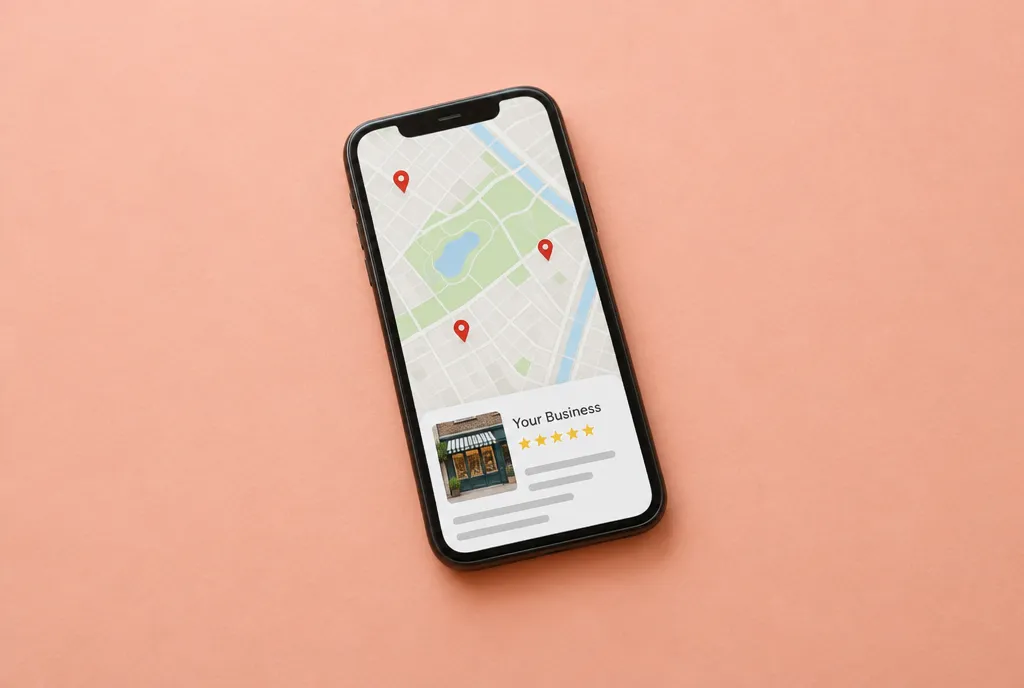
For local businesses, this is the most important step on this page. It’s the listing that shows your business on Google Maps and in local search results.
- Search for “Google Business Profile” and sign in with a Google account
- Add your business name, address or service area, phone, hours and website
- Choose the categories that match what you do
- Add photos from step 5
- Follow Google’s steps to verify your business
Keep your details the same everywhere
Your name, address and phone number should match exactly on your website, your Google profile, your social accounts and any directories. Mismatches make Google less sure which details are right.
Give every page a title and description
These are what Google shows in search results. In your builder, look for “SEO” or “search settings” on each page.
- Title. What the page is and where. “Family Dentist in Langley | Smith Dental”.
- Description. One or two sentences that make people want to click. “Gentle dental care for the whole family. New patients welcome. Book online today.”
Every page should have its own.
Use the words your customers use
Think about what people would type to find you. “Plumber near me”, “emergency plumber Surrey”, “fix leaking tap”. Use those words naturally in your headings and text. Don’t stuff them in; write for people first.
Ask for reviews
Reviews on your Google profile help you show up and help people choose you. After a job goes well, ask the customer directly. Send them the link to leave a review. Reply to every review, good or bad, politely.
Tell Google your site exists
Search for “Google Search Console” and add your website. Most builders make this easy and create a sitemap for you, which is a list of your pages that you can submit so Google finds them all.
Be patient
It can take weeks or months to climb in search results. Keep your profile updated, keep collecting reviews, and add helpful content over time.
Your homework
- Set up and verify your Google Business Profile
- Add a title and description to every page
- Ask three happy customers for a review
In step 8, we’ll launch and look after your site.
Unlock the rest of the course.
Enter your name and email and we'll send you all eight steps, free.