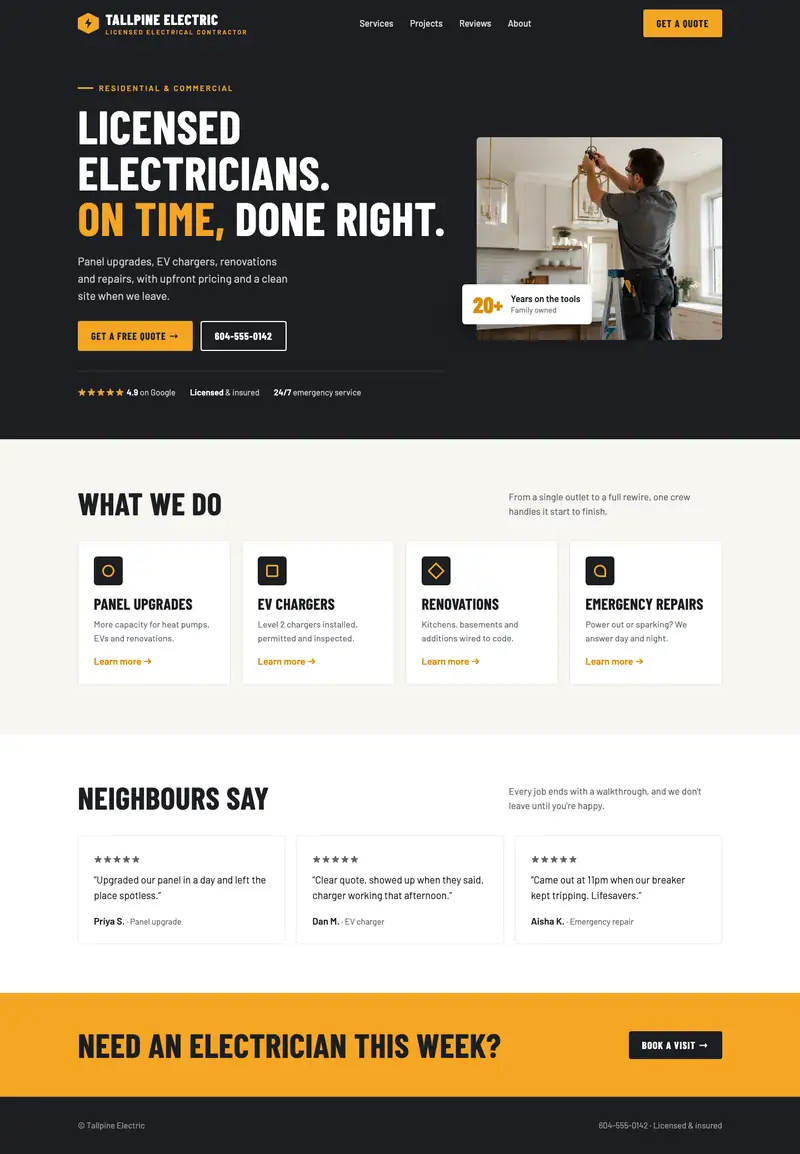
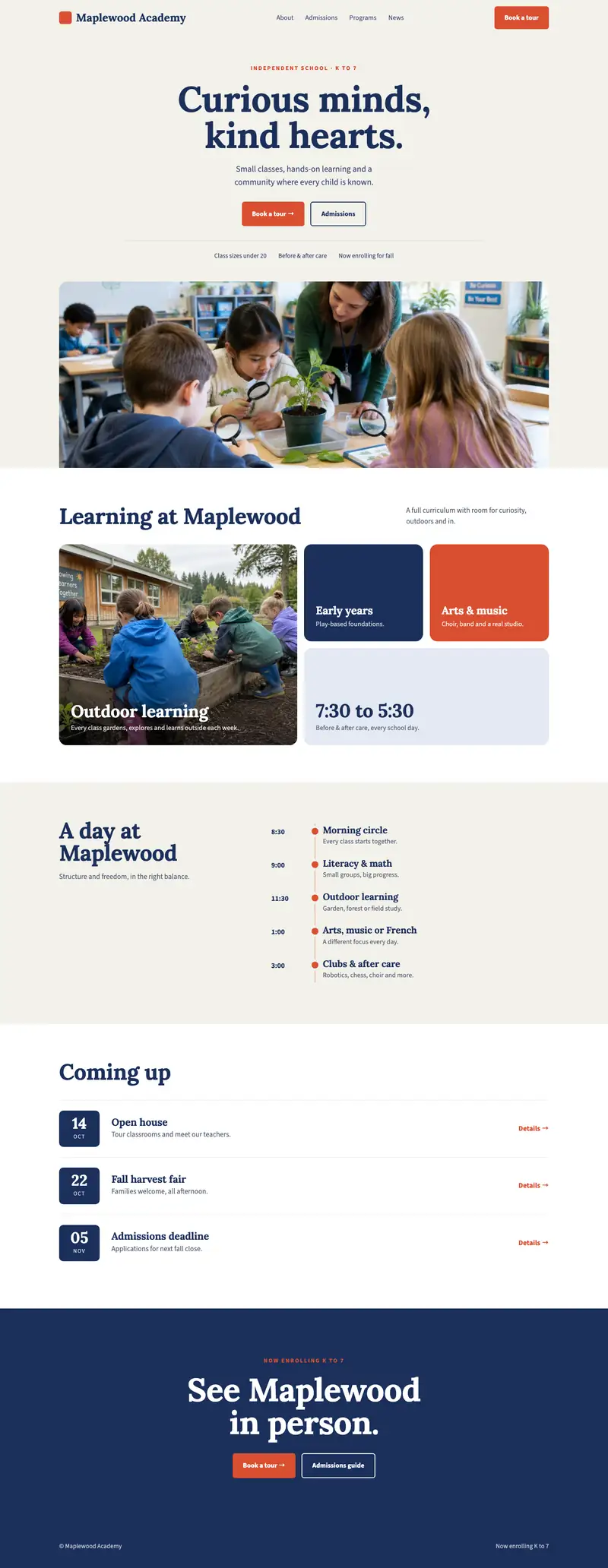
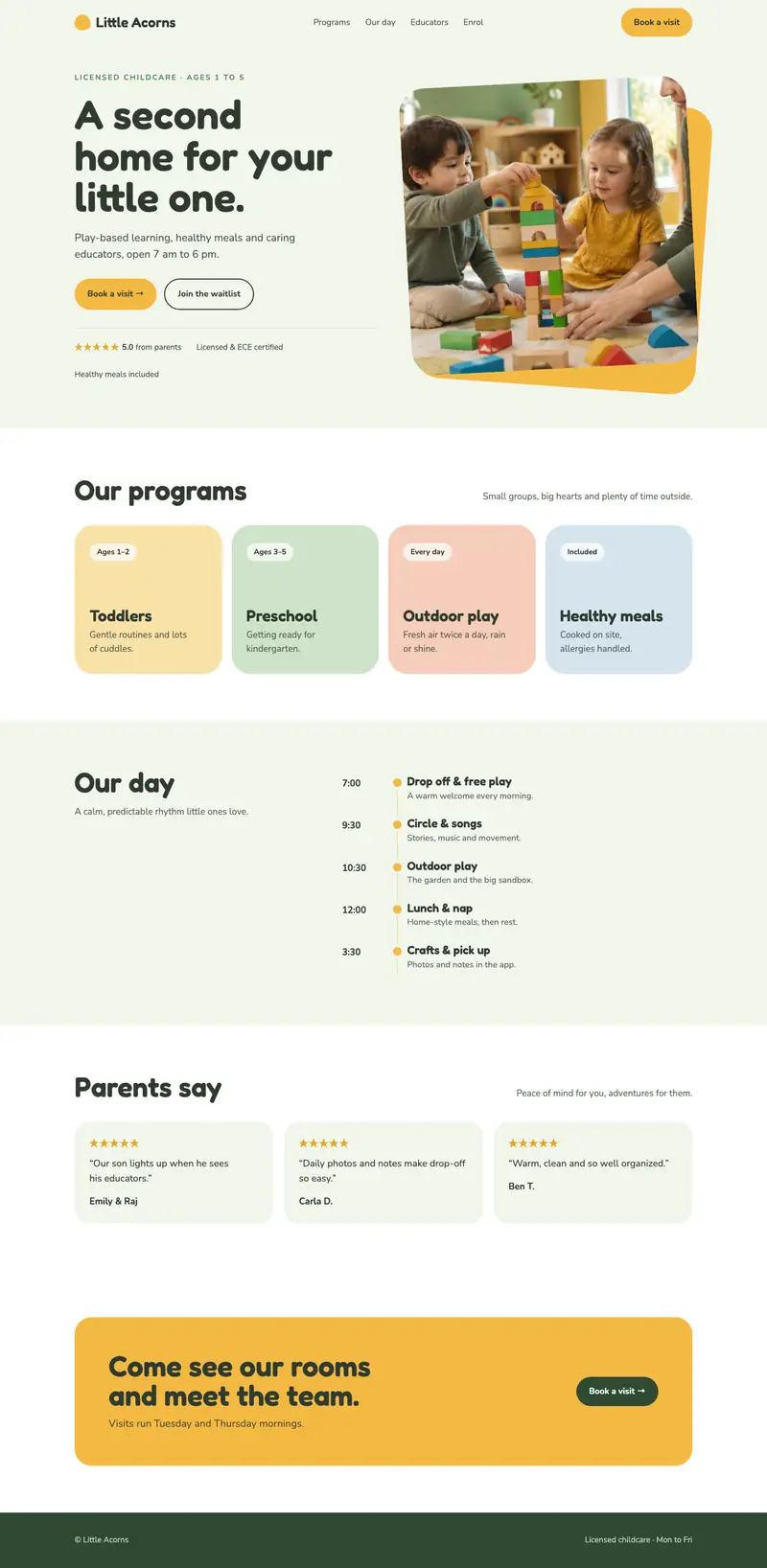
The job of a contractor website is to get the right homeowners asking you for a quote. Most of what makes that happen sits in a few places, and you can check each of them on your own site in an afternoon.
Before you start, look up two or three other contractors in your area and open their sites on your phone. You’ll see quickly what they show and what they leave out. We do the same at the start of every project, and why research comes before design explains why.
Where you work and what you take on
The first thing a homeowner checks is whether you work in their area. Put your service area near the top of the homepage and again on the contact page. Name the towns or neighbourhoods. Something broad like “all of Metro Vancouver” leaves people at the edges of that area wondering if you’ll come out to them.
Then say what you do, in the words customers use. “Deck building and repair” is easier to find and understand than a company slogan.
It helps just as much to say what you don’t take on. Say you build decks and fences but don’t do roofing or small handyman jobs. One line saying so saves you from calls you’d turn down anyway, and it tells the right customers they’re in the right place.
Some details make a contractor easier to trust:
- How long you’ve been working in the area
- Whether you carry liability insurance or a trade licence, with the details a homeowner can check
- The name of the person who’ll show up to give the quote
Photos of your own projects
Homeowners want to see work like the job they have in mind. Stock photos of smiling workers in clean hard hats don’t help them, because they can tell the photos aren’t yours.
Phone photos are fine. Take them in daylight, after the site is cleaned up, with one wide shot and one close-up of the details you’re proud of. Before and after pairs work well for renovations. Our free lesson on photos and your brand look has more tips for shooting with a phone.
Label each project with the type of job and the area, for example “Cedar deck, South Surrey”. Google also reads the file name and the alt text, the short description of a picture that’s read aloud to people who can’t see it. Its image guidelines recommend descriptive file names and alt text, so a photo named cedar-deck-south-surrey.jpg tells Google more than IMG_4032.jpg.
A quote form that asks the right questions
The quote form should get you what you need to call back with a useful answer, without putting people off. For most trades that’s:
- Name, and the best way to reach them
- The kind of job, as a short list to pick from
- The address or area
- When they’d like the work done
- A place to add photos, if your form can take them
A budget range can go at the end as an optional question. Leave out anything you wouldn’t use before the first call.
Then test it. Send yourself a request from your phone, and check it reaches an inbox someone reads daily. If it sends to an old email address, those requests are lost and nobody tells you.
Tap to call on a phone
Plenty of people who need a contractor will want to talk to someone. Put your phone number at the top of every page, and make it a link so tapping it on a phone starts the call. If you take texts, say so.
Use the same number on your website and your Google listing. If you tend to call people back the same day, saying that on the site tells people what to expect after they leave a message.
Reviews on Google
Google shows reviews next to your Business Profile in Maps and Search, and its tips for getting more reviews suggest asking customers to follow a link or scan a QR code you create. You could print that code on your invoice, or send the link in a text the day you finish the job.
That same page says offering anything in exchange for a review, like a discount, is against Google’s rules.
On your website, link to your Google reviews from the homepage and the contact page. If a customer said something specific about a job, you can quote them with their permission, along with their first name and the area.
Test your contractor website as a homeowner
Pick up your phone and pretend you live in one of the towns you serve and need the kind of job you do most. Give yourself a minute to:
- Confirm you work in that area
- Find that kind of job on your list of services
- Find a photo of a similar job
- Request a quote or start a call
Write down each place you got stuck. If the list is short, you can likely fix it on the site you have. If it’s long, or the site is hard to change, it may be time for a new one, which is what our design and development service covers. If your budget is small, our free course shows you how to build it yourself.